

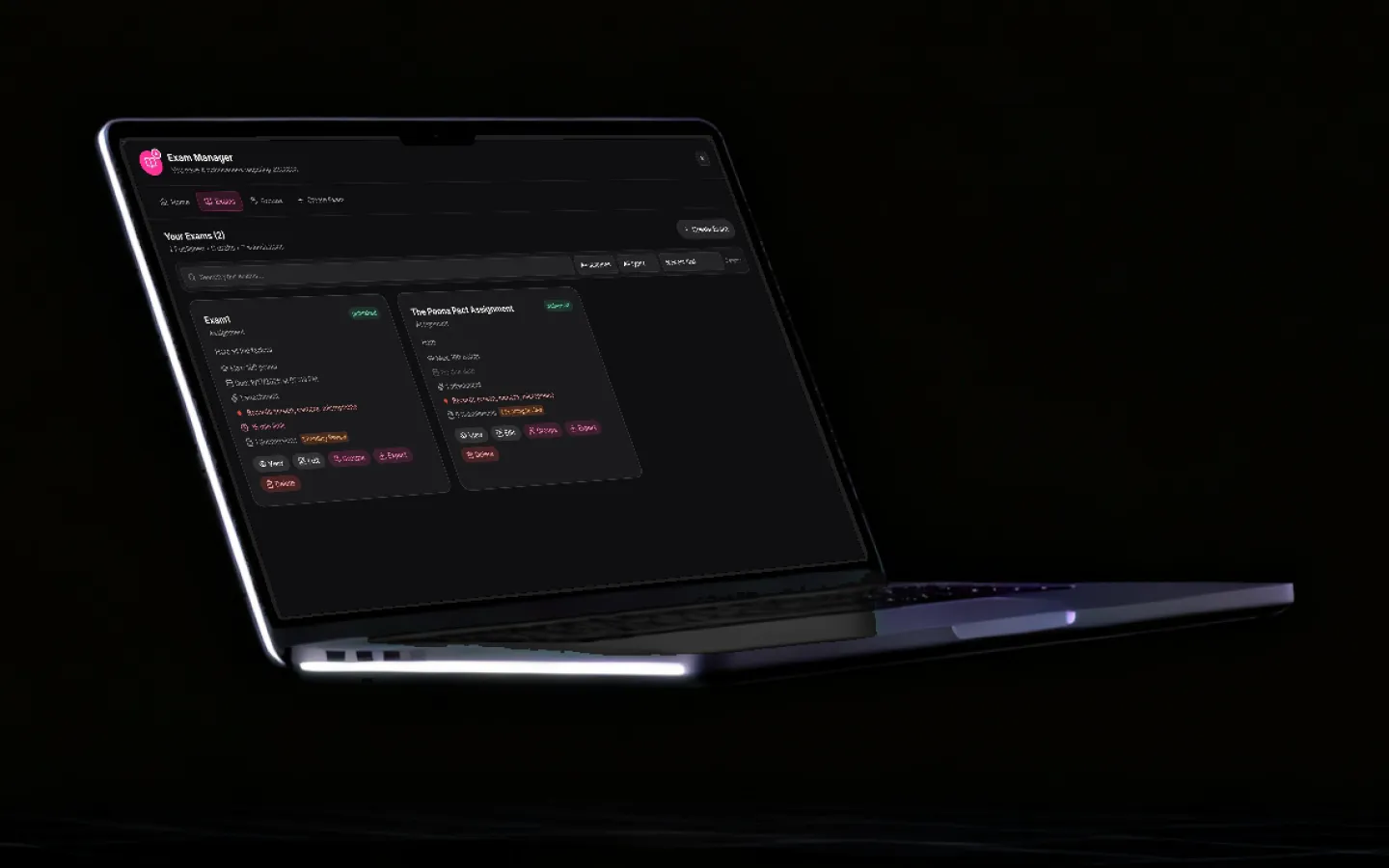
Grade handwritten papers without sending them anywhere.
Scan or photograph a class set of written answer scripts. Grout reads the handwriting, scores each answer against your rubric, and hands you a review screen. The vision model runs on your own machine, so the scripts never leave the building.
Updated
What it does
Built for the paper that is actually sitting on a teacher's desk, not for an idealised digital classroom.
Reads handwriting, not just bubbles
Vision models read the actual handwritten answer, so this works on written papers rather than only OMR bubble sheets. Scanned pages and phone photographs both work.
Answer keys with per-question rubrics
Set the expected answer and a rubric for every question. The model scores against your rubric, not against its own idea of a good answer.
Import over Wi-Fi from a phone
Photograph a stack of papers on a phone and send them straight to the desktop over the local network. No cable, no cloud upload, no separate scanner.
Automatic roll-number matching
Sheets are matched to students by roll number and name, and anything ambiguous is flagged for you rather than silently guessed.
Teacher override on every score
Every question keeps the AI score alongside your override and comment. The mark that counts is always the one a teacher signed off.
Exportable results
Per-question breakdowns and totals for the whole assessment, exported for your own mark book or the school MIS.
Class and division aware
Assessments carry subject, class and division, and students can be bulk-imported once and reused across every paper you set.
Fully offline
Grading runs on the teacher’s own machine. Student answer scripts are never uploaded, which removes the data-protection question rather than answering it.
How the workflow runs
Set up once per paper. The class list carries over to the next one.
- 1
Create the assessment
Name the paper and set the subject, class, division and maximum score. Pick which model does the grading.
- 2
Add the students
Import the class list once, with names and roll numbers. It is reused for every future assessment.
- 3
Enter the answer key and rubric
For each question, give the expected answer and the rubric you want applied. This is what the model scores against.
- 4
Bring in the answer sheets
Scan them, or photograph them on a phone and send them over Wi-Fi. Each sheet is matched to a student by roll number.
- 5
Let it grade, then review
The vision model reads each answer and scores it against your rubric. You review question by question and override anything you disagree with.
- 6
Export the results
Per-question results and totals for the whole class, ready for your mark book.
Where this saves time, and where it does not
Marking a class set of written papers is two jobs stacked on top of each other. One is judgement — deciding whether this student has actually understood the idea. The other is mechanical — reading the handwriting, finding the answer on the page, matching it to the mark scheme, adding up, and transcribing a number into a spreadsheet.
The mechanical half is most of the clock time and none of the value. That is the half this module takes.
What you should still do yourself
- Write the rubric properly. The scoring is only as consistent as the rubric it is given. Specific criteria beat vague ones by a wide margin.
- Review every borderline score. The review screen exists because the model should not have the last word on a mark that goes on a report.
- Read the answers that surprise you. A score far from what you expected for that student is worth two minutes of your attention — it is either a real change or a misread page.
The data argument
A student’s answer script is personal data, often with their name and roll number written on it. Uploading a class set to a cloud grading service means transmitting that to a third-party processor and having an answer ready when a parent asks where it went.
Running the model locally removes the transfer entirely. There is no processor to add to the register, no retention period to negotiate and nothing to disclose, because the scripts never left the machine they were scanned on. See how on-device AI works for the detail.

Frequently asked questions
Can AI grade handwritten answer sheets?
Yes. Grout uses vision models to read handwritten answers off a scanned or photographed page and score them against an answer key and rubric you supply. It is not limited to OMR bubble sheets — it grades written answers. Every score is presented for teacher review with a one-click override, so the mark that counts is always the one a teacher approved.
Does answer sheet evaluation work offline?
Yes, completely. The vision model runs on the teacher’s own computer, so answer scripts are never uploaded anywhere. This is the main reason schools can adopt it without a data-protection review of a cloud processor.
How accurate is AI answer sheet evaluation?
Accuracy depends on handwriting quality, scan quality and how precisely the rubric is written. A specific rubric ("must mention photosynthesis and name one reactant") produces far more consistent scoring than a vague one. Treat it as a first pass that removes the mechanical work: the teacher reviews and overrides, which is still dramatically faster than marking every script from scratch.
Can I use a phone instead of a scanner?
Yes. Photograph the sheets on a phone and send them to the desktop over your local Wi-Fi network. Nothing leaves the network and no scanner is required.
How does it know which sheet belongs to which student?
Sheets are matched to your imported class list by roll number and name. Anything the matcher is not confident about is flagged for you to resolve rather than assigned silently.
Does the student sit the test inside Grout?
No. Answer sheet evaluation is for paper — physical scripts written by hand and then scanned or photographed. Students write the paper the way they always have; Grout comes in at the marking stage.
Take the mechanical half of marking off your desk
Free download for Windows and macOS. Grading runs on your own machine — the scripts never leave it.
Download Grout free