



GroutFilm
AI video & audio. Made for learning.
GroutFilm is an AI video and audio editor built for the classroom. Generate clips with Veo, Seedance, Kling, Sora, Hailuo and Wan through the optional Nexus module, or with free on-device video, image, voice and music models — then cut everything on a real multi-track timeline that edits and exports on your own machine.
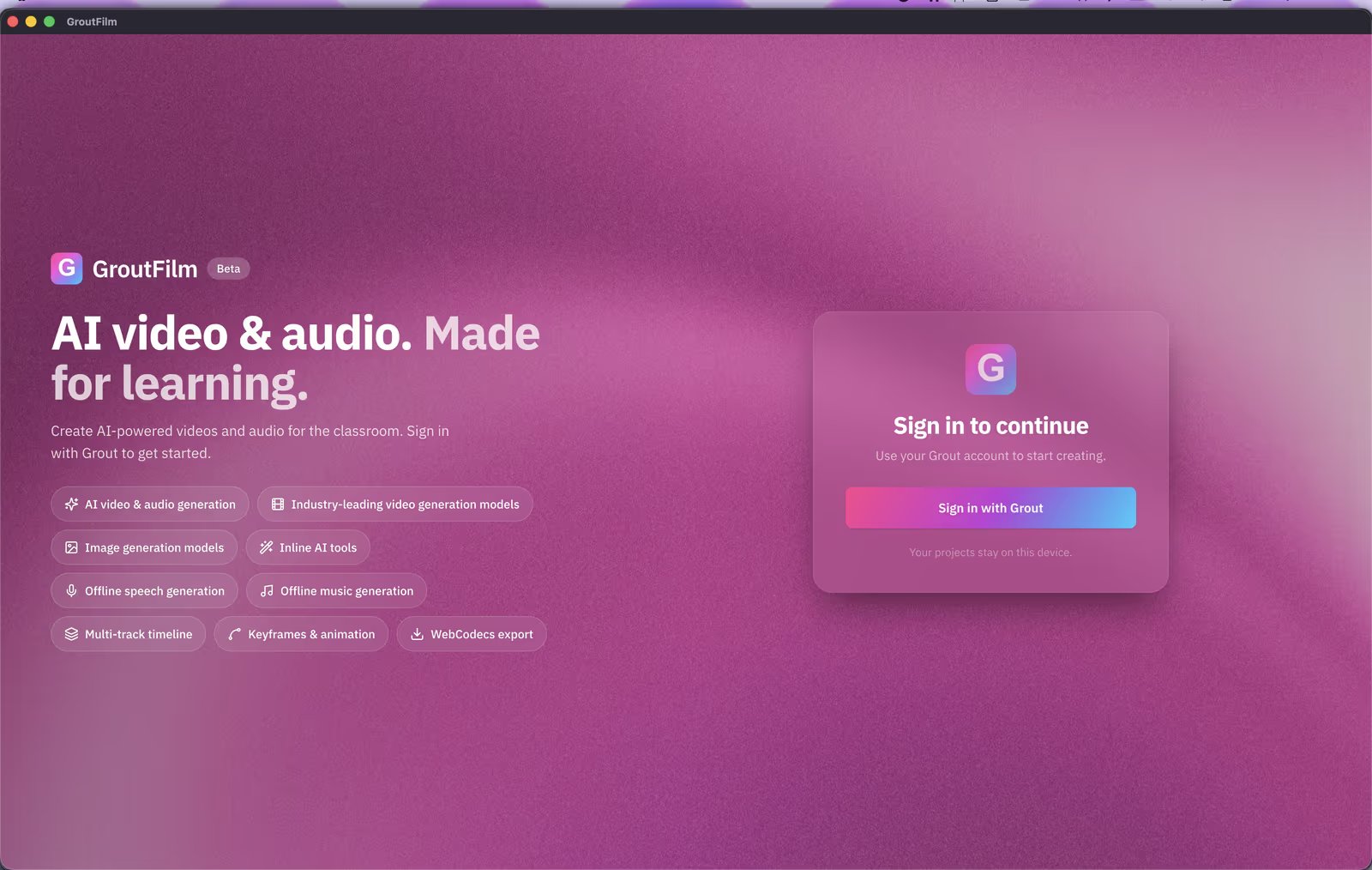
AI video & audio editing, made for the classroom.
AI-powered creation, made for learning
GroutFilm pairs AI generation with a full multi-track editor so students and teachers can create videos and audio for the classroom. Video, image, speech and music models can run on the device; the frontier video models are reached through the optional Nexus module when you want them. The timeline, the edit and the export are always local.
AI-powered creation
Generate video, audio, images, voiceovers, and music with on-device and industry-leading models — then edit them on a real multi-track timeline.
Made for the classroom
Built so students and teachers can create AI-powered videos and audio for learning — storytelling, lessons, and projects without a steep learning curve.
Local-first & private
Projects and media stay as plain files on the device rather than in a vendor cloud, so classroom work stays private and portable.
Generate, edit, and finish — all in one app
From AI video, audio, and image generation to a multi-track timeline, GPU effects, and keyframe animation — GroutFilm is a complete creation studio for learning.
AI video & audio generation
Generate clips with Veo, Seedance, Kling, Sora, Hailuo and Wan, or with local WAN and LTX video models — right inside the timeline. Describe a shot or add a picture, get a draft, then refine it.
Image generation models
Create images from text prompts with built-in image models, then drop them straight onto the canvas as clips, overlays, or backgrounds.
Inline AI tools
Browser Whisper transcription, AI captioning with local vision-language models, and scene detection that turns footage into searchable, captioned moments.
Offline speech & music
Local Kokoro text-to-speech voiceovers and MusicGen music generation with presets and progress — no internet, no per-render cost.
Multi-track timeline
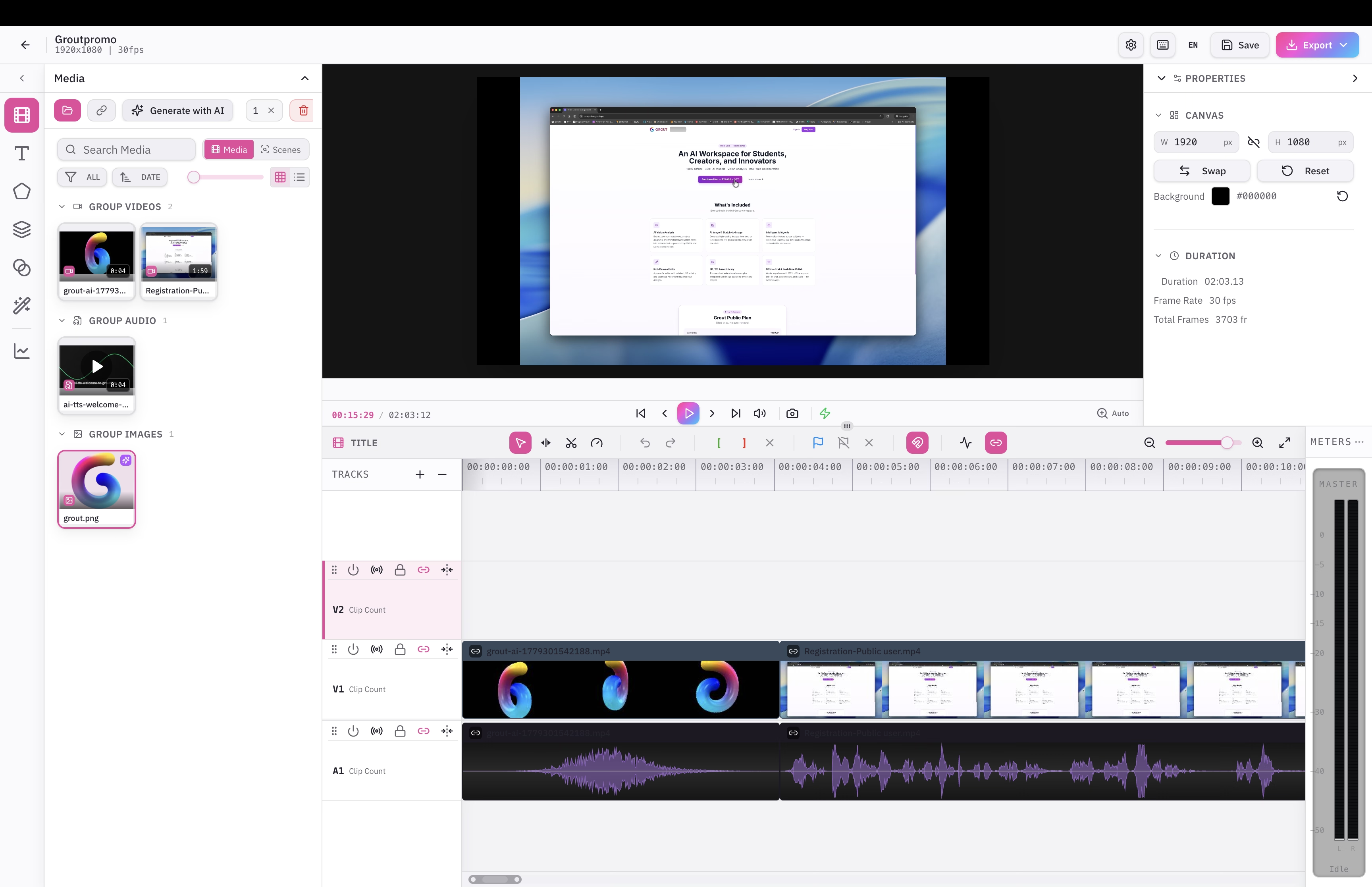
Video, audio, text, image, shape, and mask tracks with split, ripple, slip, slide, and rate-stretch tools, snap guides, markers, and frame-accurate playback.
Effects, transitions & keyframes
WebGPU effects, 25 blend modes, chroma key, masks, a full transition library, and a bezier keyframe graph editor with easing presets.
Local-first & private
Projects, media, generated assets, transcripts and caches live as plain files inside a workspace folder you pick — safe for student work, and yours to move or back up.
Export anywhere
In-browser WebCodecs rendering. MP4, WebM, MOV, and MKV containers with H.264, H.265, VP9, AV1, and ProRes codecs, plus MP3, AAC, and WAV audio.
Every model and every tool, in one editor
Frontier video models when you are online, free local models when you are not, and a timeline that feels as easy as a phone editor.
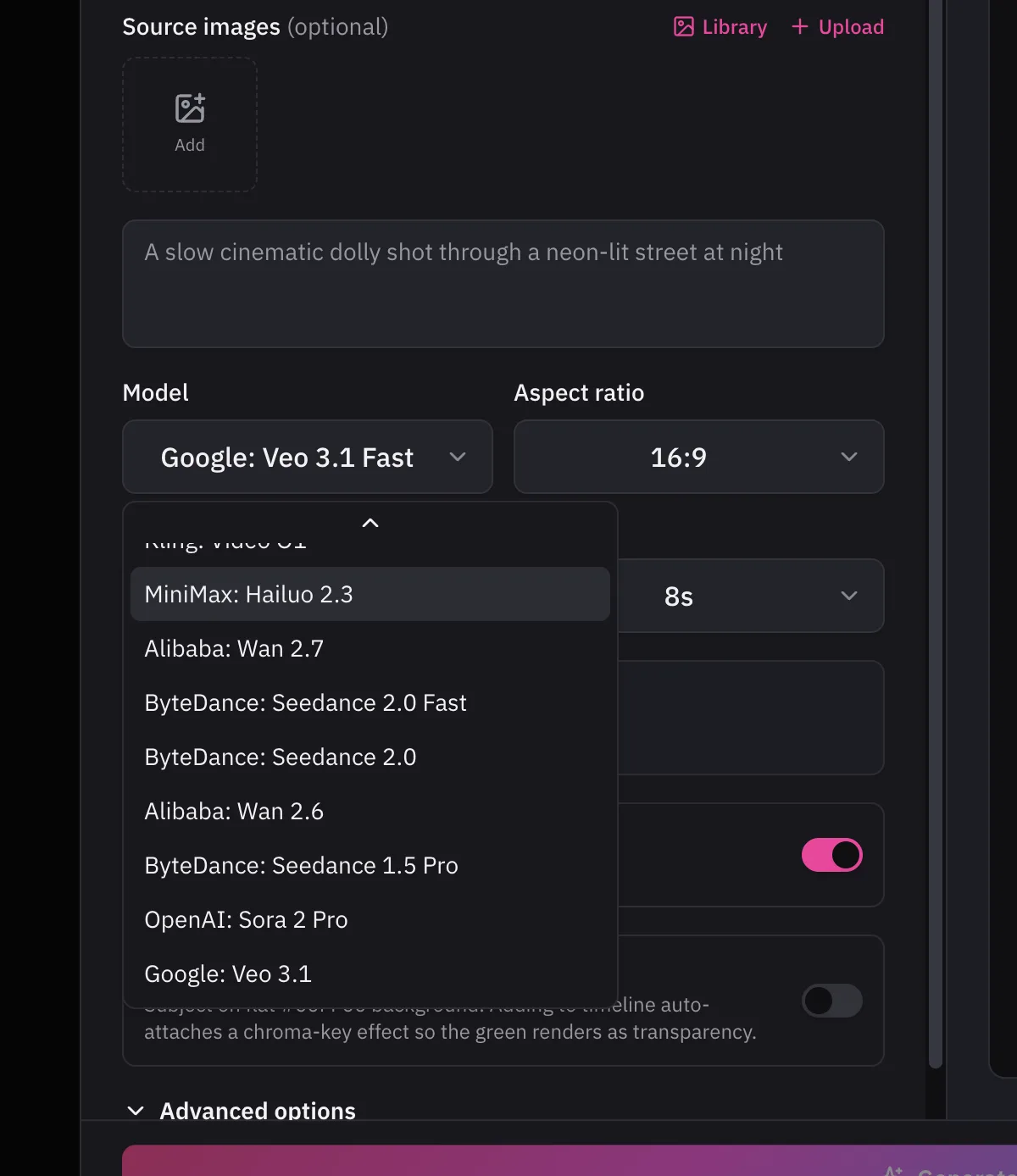
Frontier video models, one menu
Pick Veo, Seedance, Kling, Sora, Hailuo or Wan from the same generator, turn a description or a picture into a clip, and drop it straight onto the timeline. Cloud models run through the optional Nexus module and use Merits.
- Veo 3.1
- Seedance 2.0
- Kling Video O1
- Sora 2 Pro
- Hailuo 2.3
- Wan 2.7
Or generate on your own computer
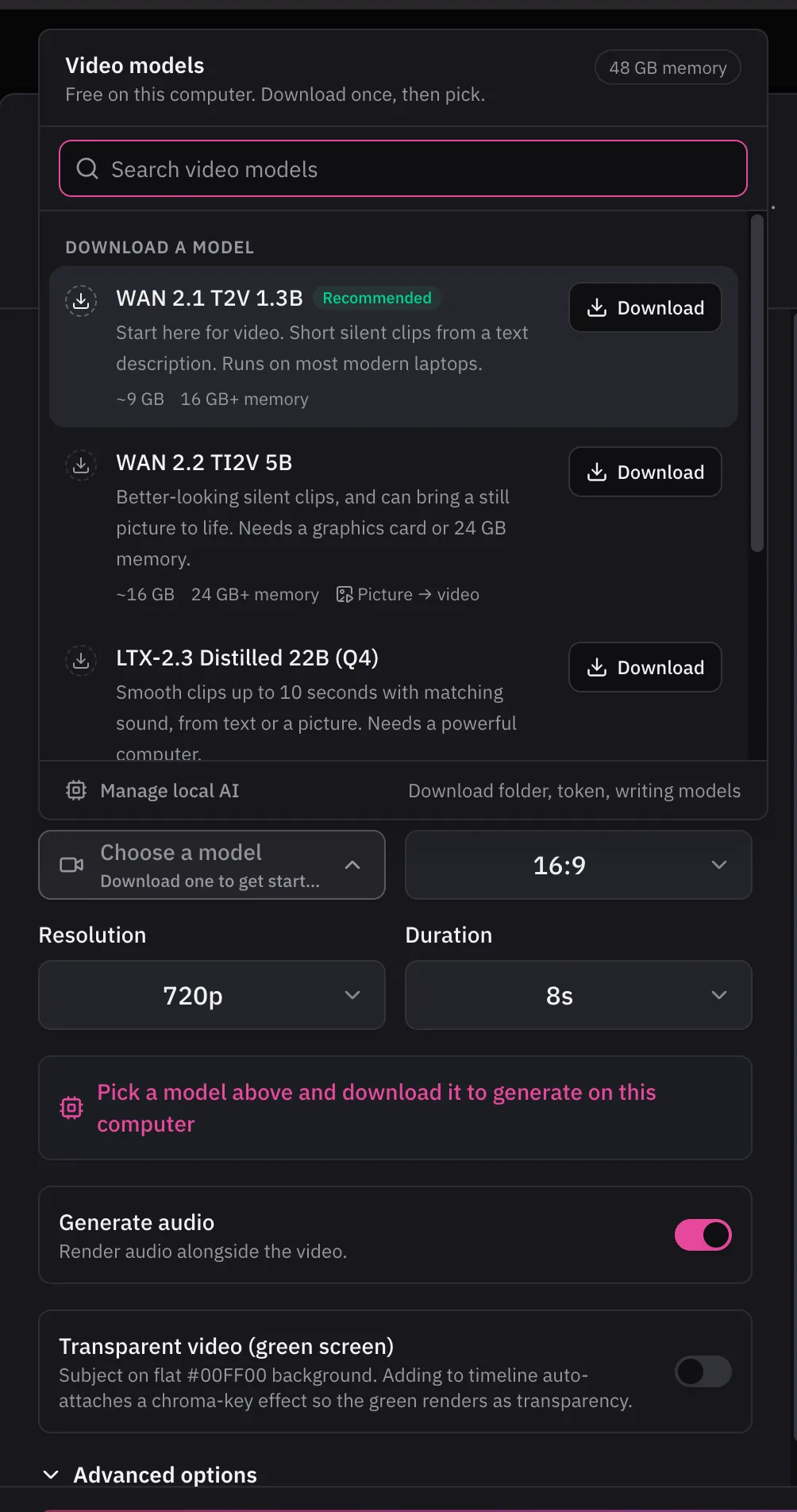
Download a video, image, voice or music model once and it runs on the machine — no internet, no per-render cost. GroutFilm shows how much memory each one needs before you download.
- WAN 2.1
- WAN 2.2
- LTX-2.3
- FLUX.1 schnell
- FLUX.2 Klein
- Kokoro TTS
- MusicGen
- Whisper
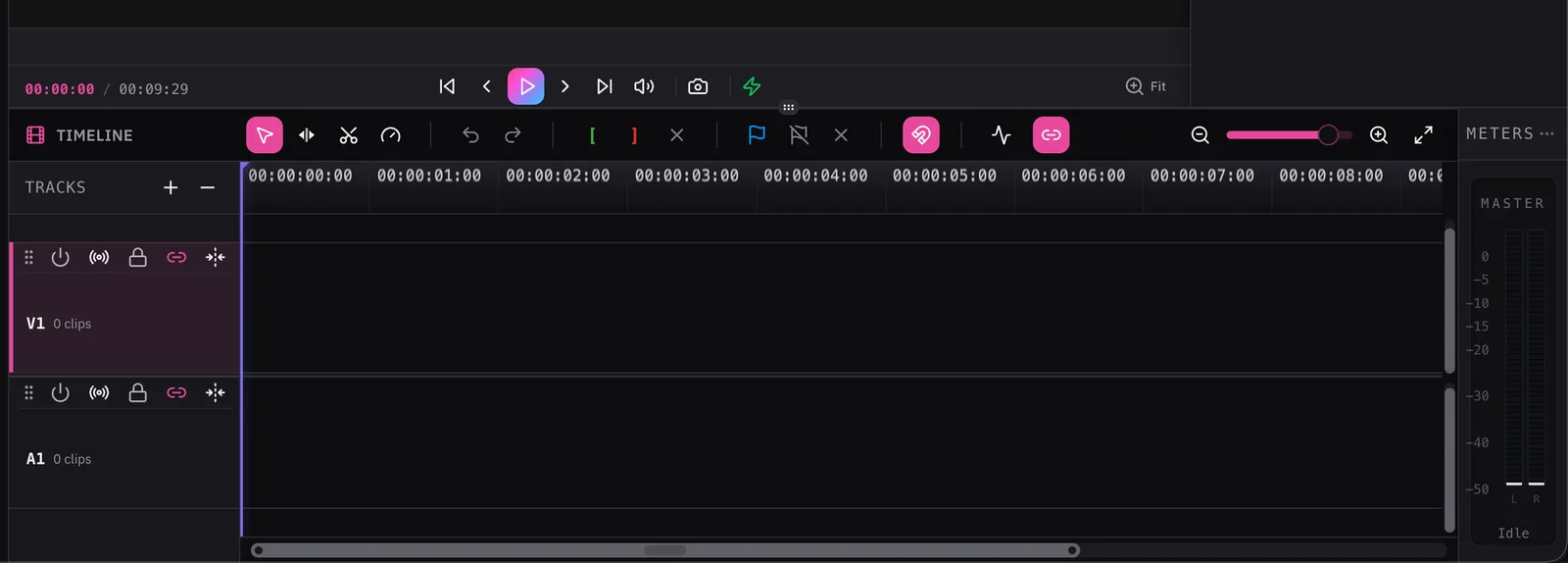
A timeline that is easy to learn
Split, trim and arrange clips on video and audio tracks, with snapping, markers and live level meters — the editing feel students already know from phone apps, on a desktop.
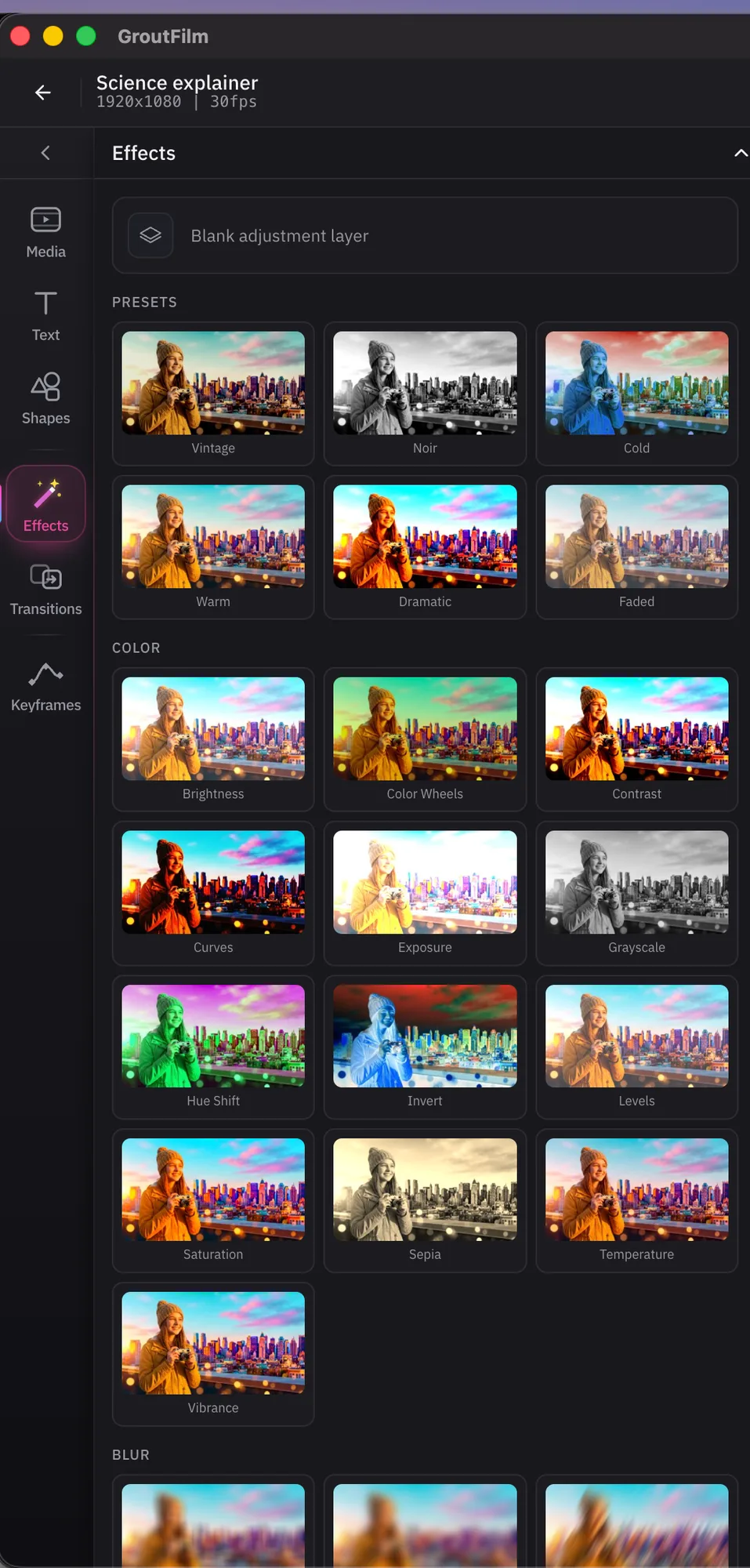
Effects, colour and transitions
One-click looks like Vintage, Noir or Warm, full colour controls, blurs, transitions and keyframes, applied as adjustment layers you can change later.
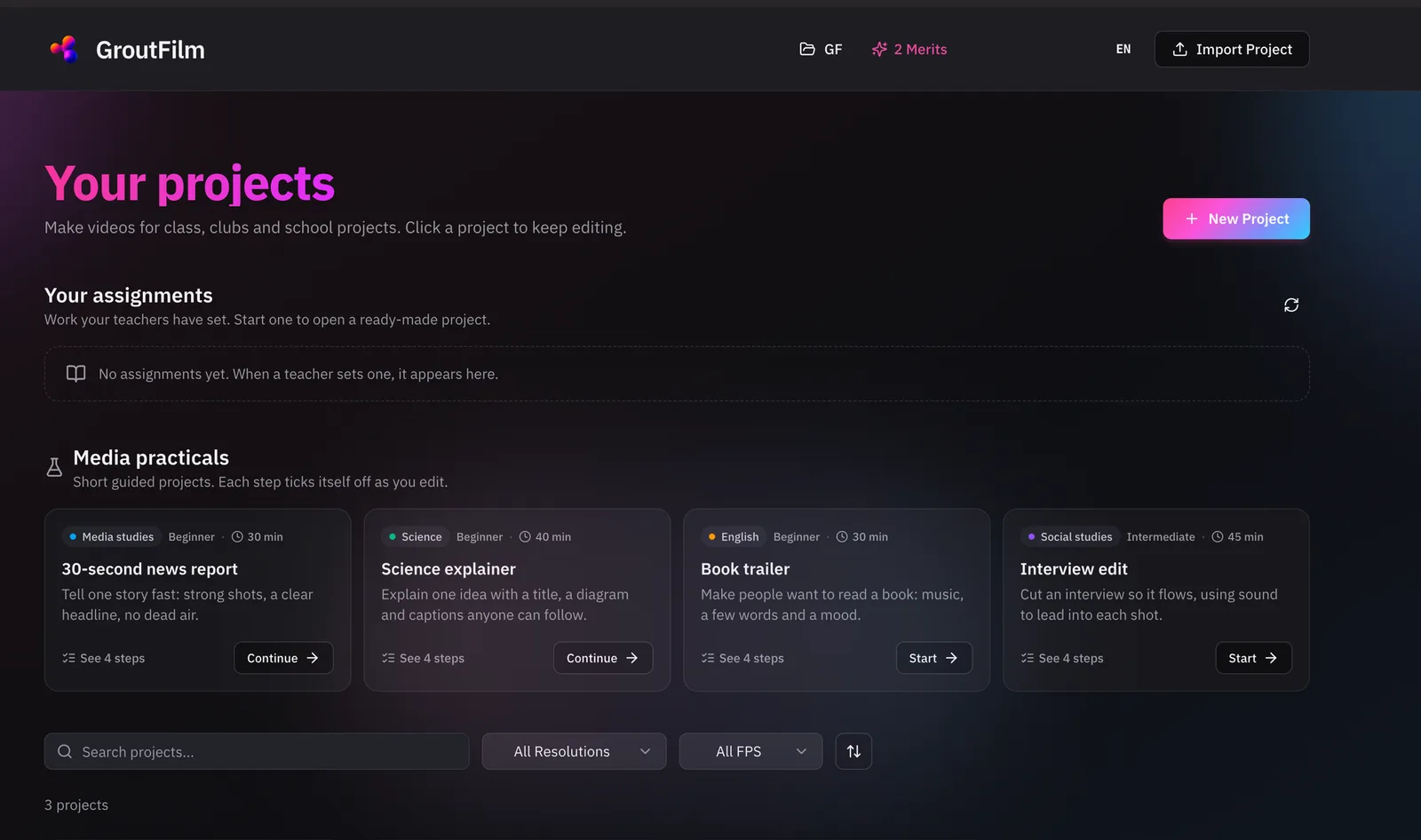
Guided media practicals
Short, step-by-step projects for class — a 30-second news report, a science explainer, a book trailer, an interview edit. Each step ticks itself off as the student edits, and teachers can set them as assignments.
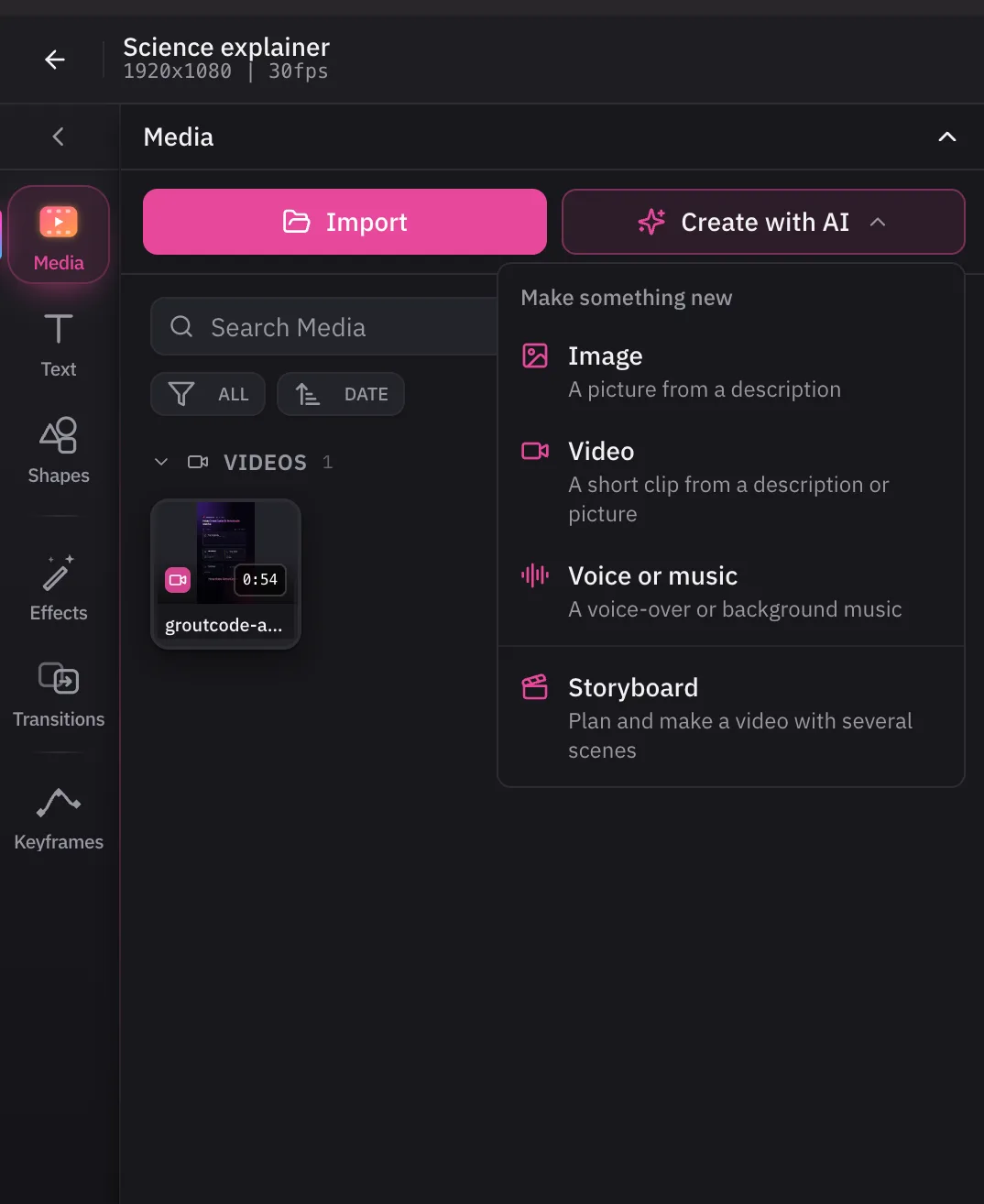
Create with AI, right inside the project
Make an image, a video clip, a voice-over or background music from a description, or plan a multi-scene video as a storyboard — without leaving the edit.
Export — straight from your machine
Containers
MP4 · WebM · MOV · MKV
Video codecs
H.264 · H.265 · VP9 · AV1 · ProRes
Audio
MP3 · AAC · WAV / PCM
Start creating with GroutFilm
Download GroutFilm for macOS or Windows and bring AI-powered video and audio creation into your classroom — all running on your own desktop.