
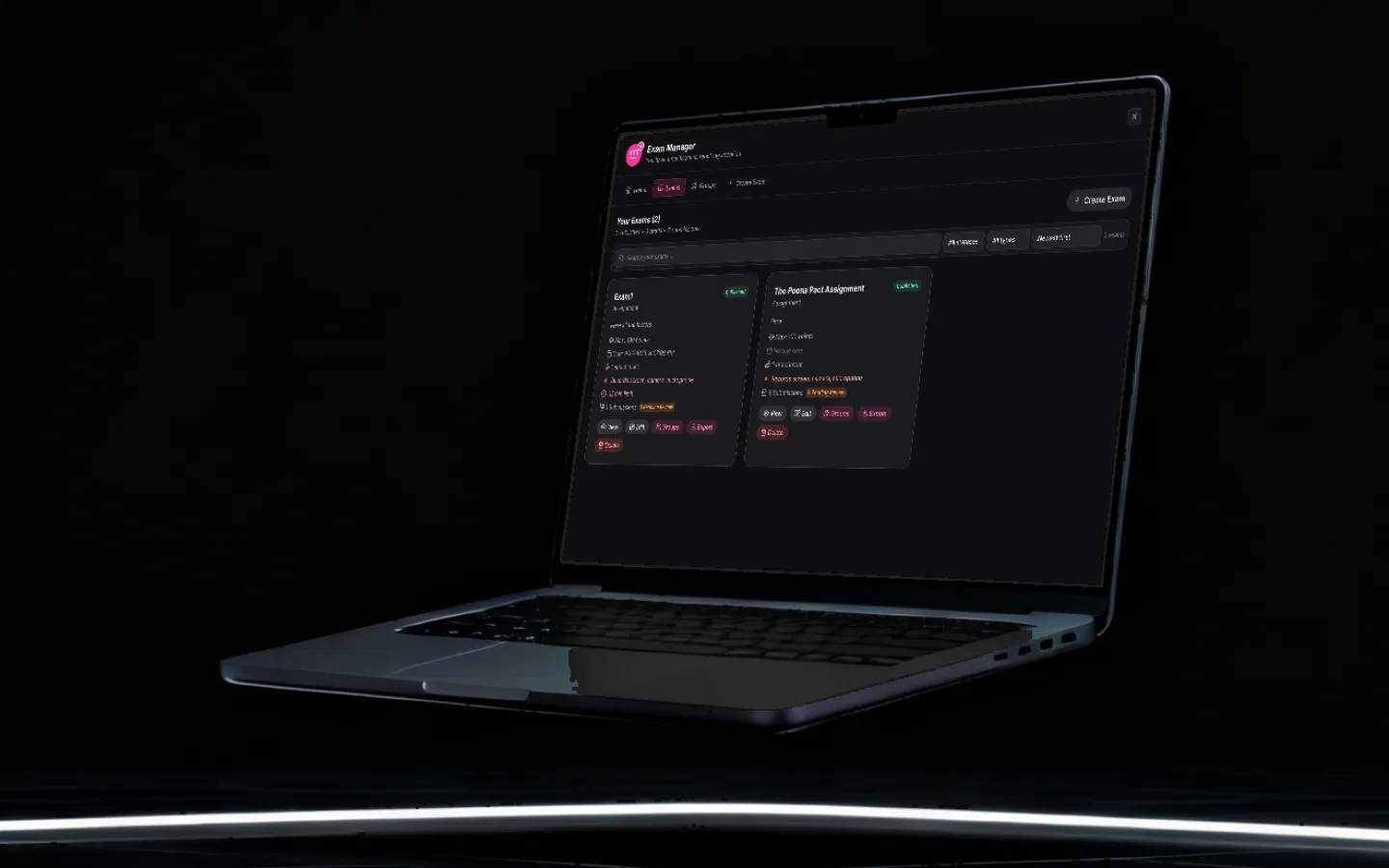
AI learning platform for schools that runs on your own computers.
An AI learning platform for schools gives students and teachers AI tools that help them study, practise and mark work within the school’s own rules. Grout does it as desktop software installed on school computers, where the core AI runs on the machine itself and keeps working when the Wi-Fi does not. One licence covers GroutApp, GroutCode and GroutFilm.
Updated
What AI learning in schools looks like with Grout
Students, teachers and school leaders use the same suite in different ways.
For students
Study from the textbook the class actually uses, turn a photographed page of notes into editable text, work a maths problem through step by step, or ask a spoken tutor out loud. GroutCode adds compiler-checked coding practice and GroutFilm adds video projects. The on-device tools have no per-prompt cost.
For teachers
Load textbooks, notebooks and the syllabus into AI-Memory once, then build lesson plans, notes, slides and worksheets at more than one level from a chapter you choose. Mark scanned handwritten answer sheets against your own rubric.
For school leaders
One yearly subscription per student and teacher under volume licensing, covering all three apps and 20 Merits each for Premium AI models. It runs on the Windows and macOS computers you already have, and institution subscriptions include Alpha Learning.
One semester on Grout, in 34 seconds
Students ask their own textbook, build compiler-checked practicals, cut the project film and sit the exam, all on the laptops your institution already owns.

Campus, students, professors and music in this film were made with AI. The app screens are real.
How schools use AI learning tools with Grout
Six uses that cover most of a school week, each with its own page covering the workflow and its limits.
Study from your own textbooks
Students add a PDF or photograph the pages of a physical book. Grout indexes it on the machine and answers from those pages, showing which ones it drew on, rather than from a model's training data. Students should still check the page.
Mastery learning with Alpha Learning
Institution subscriptions include Alpha Learning: a curriculum mapped as 20–60 concepts, where a concept unlocks only once its prerequisites are mastered (a score of 85%, three correct in a row and at least four attempts). The AI tutor gives hints, never the final answer, and a teacher (a Guide) sees who is stuck, inactive or below pace.
Marking handwritten answer sheets
Students still write on paper. Teachers scan or photograph the scripts, and a vision model on the teacher's own computer reads the handwriting and scores each answer against their rubric, with a teacher override on every score. Accuracy depends on handwriting, scan quality and how specific the rubric is.
Lab practicals mapped to the syllabus
GroutCode ships stepped lab lessons mapped to real course codes for CBSE and ICSE, and for the KTU, VTU, Calicut and CHRIST university schemes. The student writes the code, a local toolchain compiles and tests it offline, and only then does the AI review it.
Collaboration without the cloud
A phone can push photos into the desktop app over the school Wi-Fi, machines connect directly in peer-to-peer rooms, and a teacher can share a screen or cast to the classroom TV. None of it needs the school's internet connection.
Visibility for guardians and staff
A guardian linked to a student sees progress across projects and homework, daily screen time in the app and which AI models were used, not a transcript of every conversation. On school-managed devices the same reporting is available to staff.
Why offline AI for education matters in a school
Most AI learning platforms for schools run in a browser: each question is sent to a server, answered there and sent back. That works on a fast, open connection. School networks are often neither: filters block domains, shared servers slow down when every school starts at once, and some campuses have very little connectivity.
Grout's core tools take a different route. AI models are downloaded once and run on the school's own computers, so the study tools, vision analysis, answer-sheet grading and GroutCode's compile-and-check loop keep working with the connection off.
What changes when the model runs on the machine
- A filtered or unreliable network stops being a blocker, because the on-device tools do not need to reach a server.
- Student work handled by the on-device tools (photographed homework, drafts, code and scanned answer scripts) stays on the school's computers instead of being uploaded to a third party.
- Local models have no per-prompt cost, so a whole class can keep iterating without a shared rate limit.
- Answers arrive at the speed of the student's own machine, with no queue at peak hours.
What still uses the network
A connection is needed to download Grout and its models, to activate a licence, and to use the optional Nexus AI cloud module or Premium models paid for with Merits. Those cloud models send the prompt to Grout's servers, so they are not the route for answer sheets. Local models are also smaller than frontier cloud models, which still win on the hardest reasoning.
For how on-device inference works and what runs on which hardware, read offline AI, explained.

Deploying AI learning software across a school
Grout installs like any other desktop application and is licensed per student and teacher.
Volume licensing
One yearly subscription per student and teacher, priced for your whole school or college. Our team quotes school pricing for your numbers, in Indian rupees or US dollars.
One licence, three apps
Each subscription unlocks GroutApp for study and creation, GroutCode for coding and lab practicals, and GroutFilm for video and audio, plus 20 Merits for Premium AI models.
Windows and macOS
Grout is a native desktop app for Windows 10 or later (64-bit) and macOS 10.15 or later, on Apple Silicon or Intel. There is no browser version and no Linux build.
Hardware your lab already has
8 GB of RAM and 4 GB of free disk space run the application and small models; 16 GB of RAM suits mid-sized ones. No dedicated graphics card is needed.
Devices that arrive ready
Models download once per machine, and schools can pre-load them onto a laptop image so devices arrive ready to work offline.
Support for your staff
School licences include priority support: a dedicated contact and onboarding help for your staff.
Full figures are in the system requirements guide. Subscription details are on the Grout Suite pricing page, and for a whole institution see volume licensing for schools.
Cloud AI platforms vs Grout
Both approaches have a place. This is a plain comparison of how they differ.
| Consideration | Cloud AI platforms | Grout |
|---|---|---|
| Where the AI runs | On the provider's servers, used through a browser | On-device models run on the school's own computers; optional cloud models run on Grout's servers |
| Internet connection | Needed for every request | Needed to install, download models, activate a licence and use cloud models; on-device tools then run offline |
| Student work | Sent to the provider to be processed | Processed on the machine by on-device tools; prompts to Nexus or Premium models go over the network |
| Filtered school networks | Work only if the service's domains are allowed | On-device tools are unaffected once installed and models are downloaded |
| Devices | Any device with a modern browser | Windows 10+ (64-bit) or macOS 10.15+, 8 GB RAM minimum, 16 GB recommended |
| Model size | Large frontier models | 200+ smaller local models, with Premium cloud models via Merits for harder tasks |
| Setup | Nothing to install | Installed on each computer; models can be pre-loaded onto a device image |
Where the AI runs
- Cloud AI platforms
- On the provider's servers, used through a browser
- Grout
- On-device models run on the school's own computers; optional cloud models run on Grout's servers
Internet connection
- Cloud AI platforms
- Needed for every request
- Grout
- Needed to install, download models, activate a licence and use cloud models; on-device tools then run offline
Student work
- Cloud AI platforms
- Sent to the provider to be processed
- Grout
- Processed on the machine by on-device tools; prompts to Nexus or Premium models go over the network
Filtered school networks
- Cloud AI platforms
- Work only if the service's domains are allowed
- Grout
- On-device tools are unaffected once installed and models are downloaded
Devices
- Cloud AI platforms
- Any device with a modern browser
- Grout
- Windows 10+ (64-bit) or macOS 10.15+, 8 GB RAM minimum, 16 GB recommended
Model size
- Cloud AI platforms
- Large frontier models
- Grout
- 200+ smaller local models, with Premium cloud models via Merits for harder tasks
Setup
- Cloud AI platforms
- Nothing to install
- Grout
- Installed on each computer; models can be pre-loaded onto a device image
If most students use browser-only devices on reliable internet, a cloud platform may suit you better. If you run desktop labs, sit behind a strict filter or want scripts marked on your own machines, Grout is built for that.
Frequently asked questions
How is AI used in schools?
Schools mostly use AI to help students study and practise, help teachers prepare lessons and worksheets, speed up marking, and give teachers and guardians a clearer view of progress. With Grout that means students asking questions of their own textbook, teachers generating worksheets at several levels from a chapter, handwritten scripts graded on the teacher's own computer, and mastery tracking through Alpha Learning on institution subscriptions.
What is AI in the classroom?
AI in the classroom means AI tools used in lessons and study time under a teacher's direction: explaining a concept step by step, reading a photographed page, generating practice at different levels or reviewing a student's code. Useful versions show their working instead of handing over answers. The Alpha Learning tutor gives hints but never the final answer, and in GroutCode the compiler, not the AI, decides whether a program passes.
What is the best AI for learning in school?
It depends on your devices and network. Browser-based platforms suit schools with reliable internet and mostly browser-only devices. Grout suits schools with Windows or macOS computers, filtered or unreliable connections, or a need to keep student work such as answer scripts on their own machines.
Does a school need internet to use Grout?
Only for some things. A connection is needed to download the app and its models, to activate a licence, and to use optional cloud models: the Nexus AI module or Premium models paid for with Merits. Once models are on disk, text generation, vision analysis, image work, answer-sheet grading and GroutCode's compile-and-check loop run with the connection switched off.
What hardware does a school need?
Windows 10 or later (64-bit), or macOS 10.15 or later on Apple Silicon or Intel, with at least 8 GB of RAM and 4 GB of free disk space for the application. 16 GB of RAM is recommended for mid-sized models; no dedicated graphics card is required.
Does student data stay on school computers?
For the on-device tools, yes: prompts, photographed homework, drafts, code and scanned answer scripts are processed on the school's own machine rather than uploaded. Features that are online by nature (the Nexus AI module, Premium cloud models and cloud sync) send data over the network, so use local models for sensitive work such as answer sheets.
Which boards and age groups does Grout support?
Grout is built for school and college students and their teachers. Alpha Learning builds a curriculum from any board, grade and subject, including CBSE, ICSE and state boards. GroutCode's lab practicals cover CBSE and ICSE and the KTU, VTU, Calicut and CHRIST schemes, and institutions can ask for their own syllabus to be added.
How much does Grout cost for a school?
Grout is a yearly subscription per student and teacher, covering all three apps and 20 Merits for Premium AI models. For a whole school, our team quotes volume licensing for your numbers, in Indian rupees or US dollars. You can download Grout free to try the core offline features first.
Bring AI learning to your school
Tell us about your school, your computers and your student numbers, and we will come back with volume licensing that fits.
Talk to us