

AI learning software for Windows and Mac, offline.
GroutApp is AI learning software that reads your handwritten notes, answers from your own textbooks and generates images — with 200+ models running on your own machine. It works offline, costs nothing per prompt, and nothing you write is uploaded.
Updated
What an AI learning studio actually does
A chatbot answers a question. A studio helps you finish the assignment — research, draft, build, edit and export in one place.
Vision AI on your own notes
Point the studio at a photo of a whiteboard, a handwritten page or a textbook diagram. Grout extracts the text, explains the diagram and turns it into study material without uploading the image anywhere.
200+ models that run on-device
Language, summarisation, transcription and image models download once and then run locally. A student on a school laptop gets the same studio as a student on a gaming rig.
An infinite learning canvas
Notes, images, generated diagrams, AI answers and source material live on one canvas instead of a chat log, so a whole topic stays visible while you work through it.
Coding without the syntax wall
GroutCode turns a plain-English description into working code, runs it, and explains each line — so a beginner ships a project on day one and still learns what happened.
Video and audio on a real timeline
GroutFilm generates clips, voiceovers and music, then cuts them on a multi-track timeline and exports locally with WebCodecs. No render queue, no watermark.
Teacher dashboards and assignments
Assign projects, watch progress and grade with AI-assisted feedback, with the class roster and student work staying under the school’s control.
Your own textbooks as context
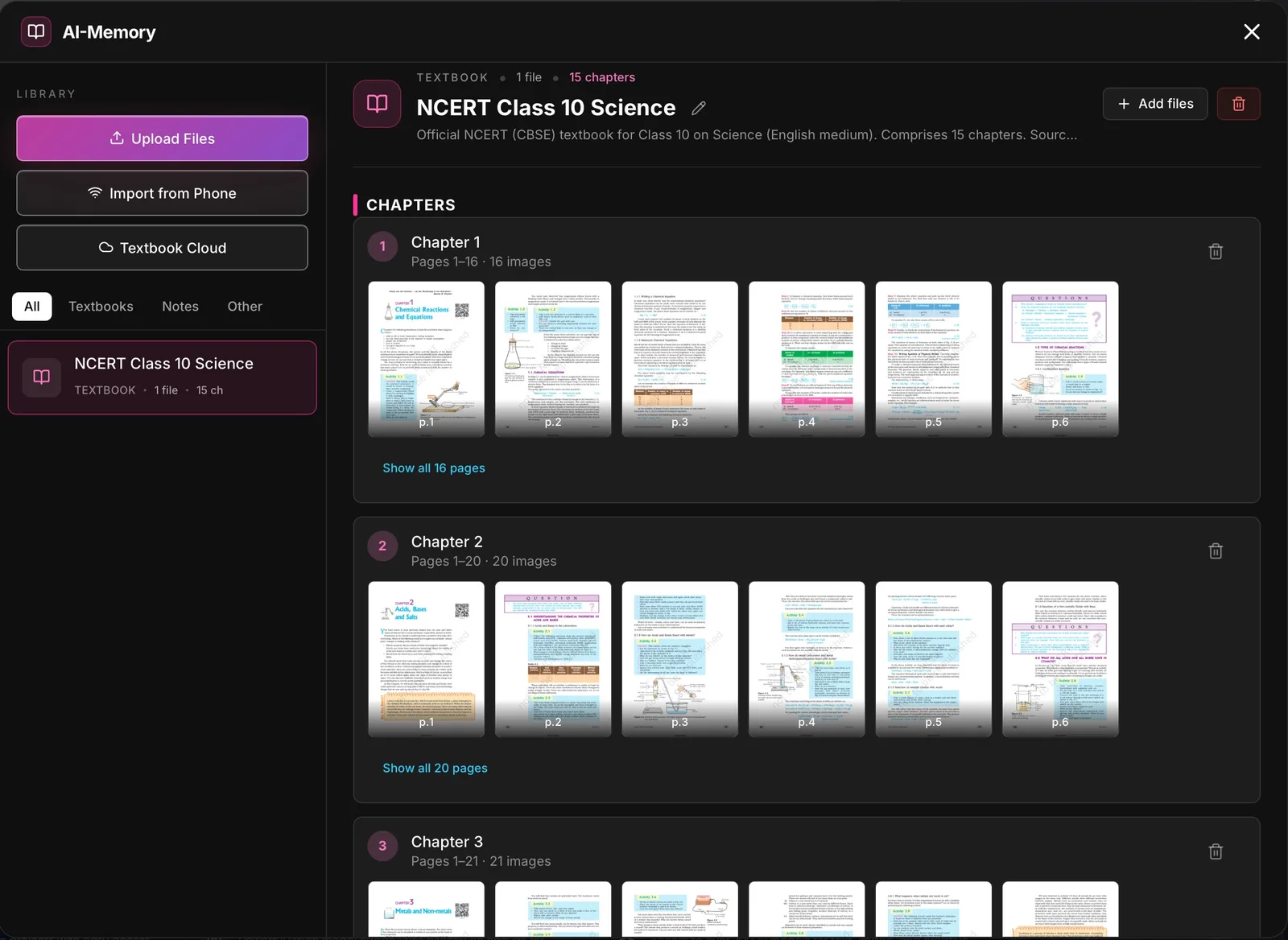
The AI-Memory module holds your books and notes by subject and chapter, OCRs photographed pages, and answers from that material rather than from a model’s training data.
Offline answer sheet grading
Scan or photograph a class set of handwritten scripts. Vision models score each answer against your rubric, and every mark is presented for teacher override.
Spoken tutors
Speech recognition, turn detection and text-to-speech all run on-device, so a student can hold a conversation with a subject tutor with the network off.
Every module, on real screens
Mastery learning, lesson materials, office tools with AI built in, and exams — in the same app students and teachers already use.
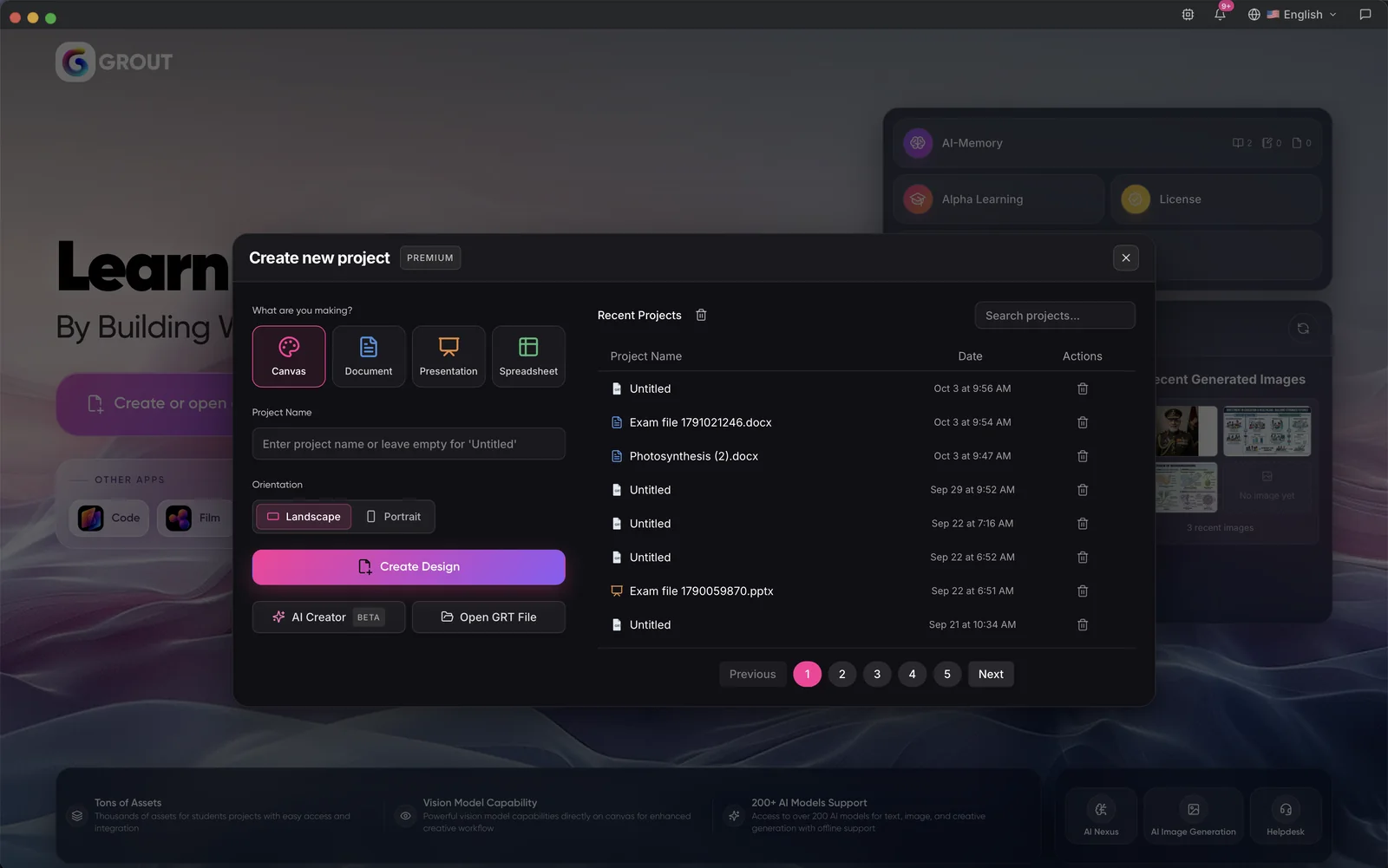
One home for every project
Start a canvas, document, presentation or spreadsheet, reopen recent work, and jump to AI-Memory, Alpha Learning and your licence from the same screen.
- Canvas
- Docs
- Slides
- Sheets
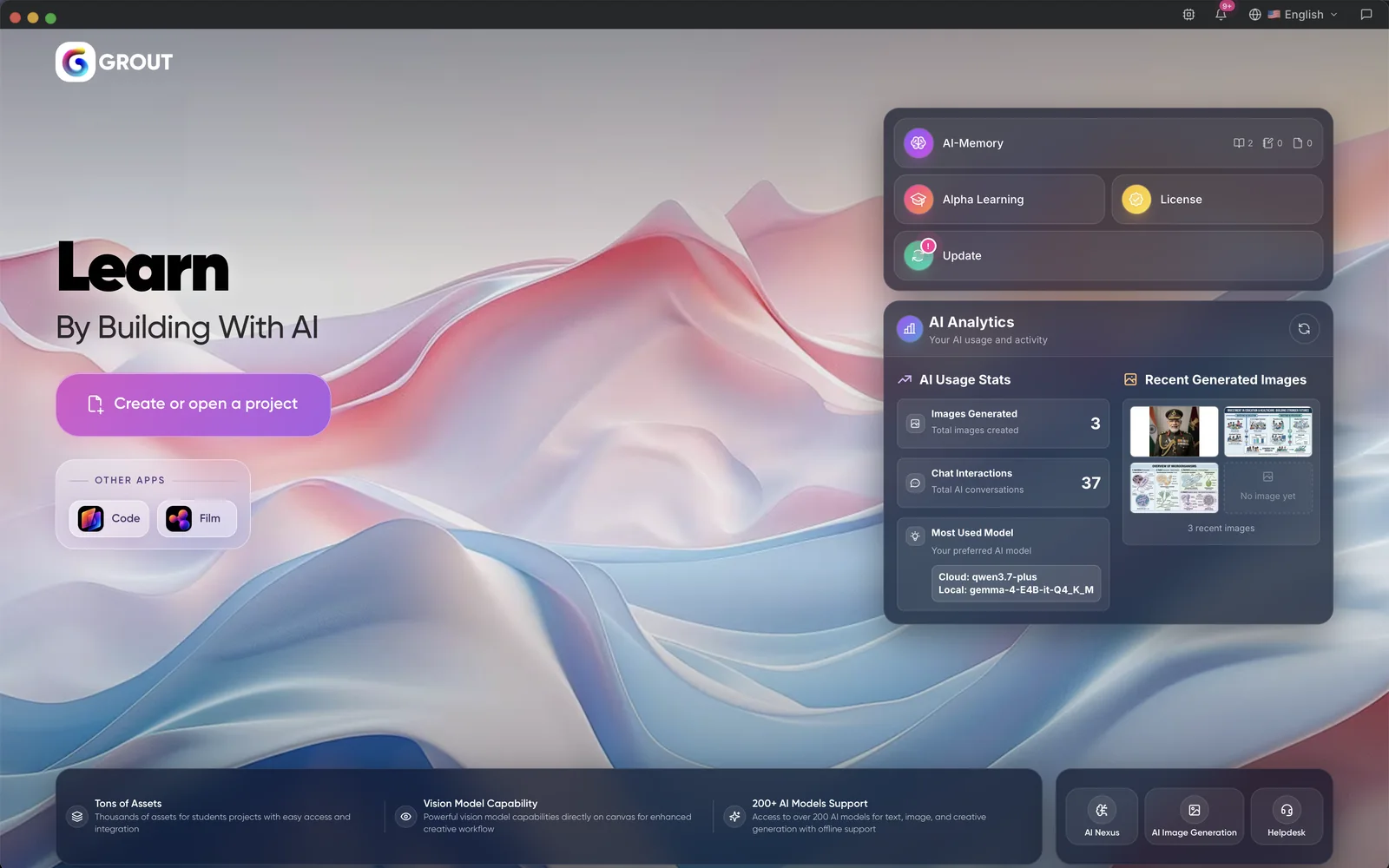
Your AI use at a glance
See how many images you generated, how many chats you had and which cloud and local models you use most, next to your latest AI images.
- AI analytics
- Local + cloud models
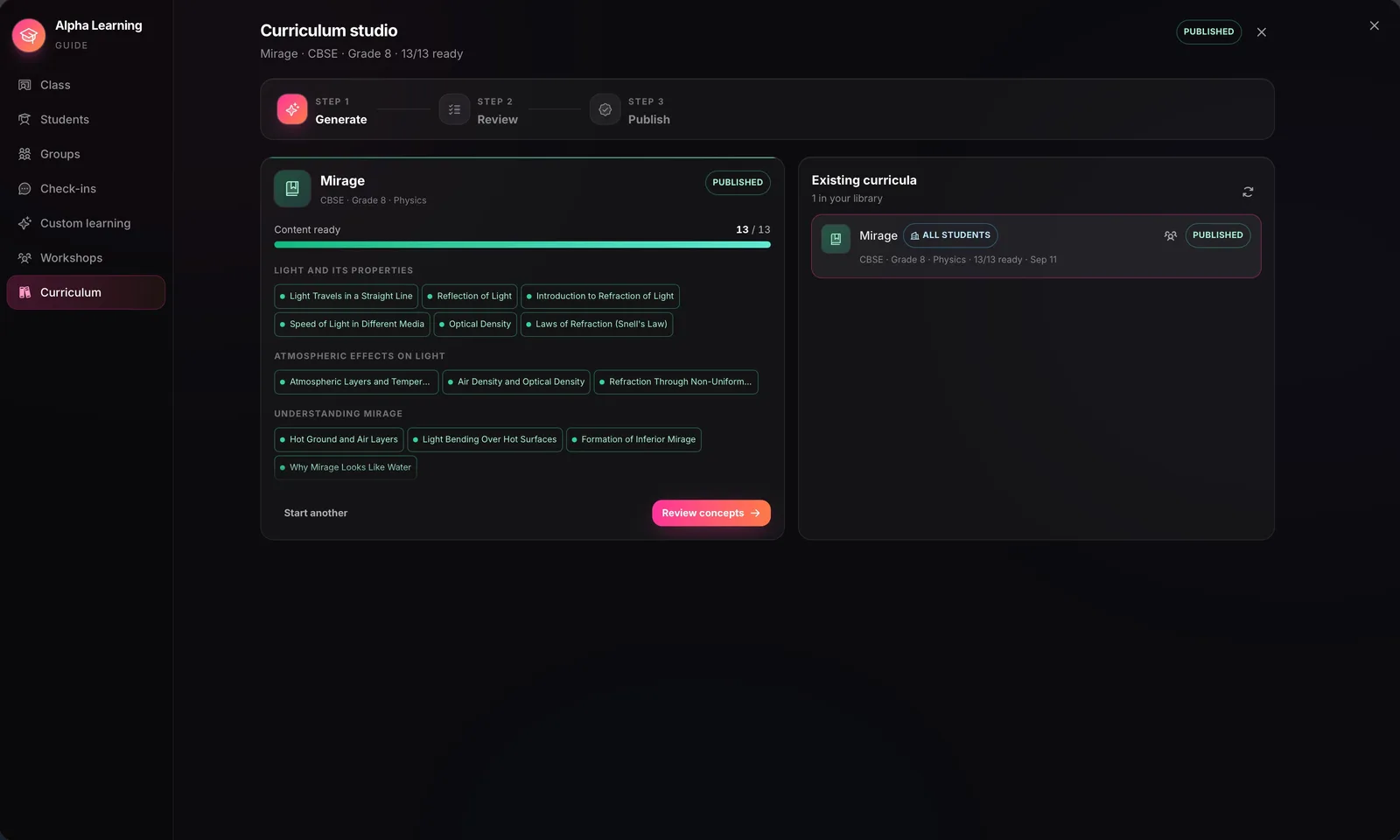
Alpha Learning: mastery, not coverage
Teachers generate a concept map from the syllabus or the textbook in AI-Memory. A concept unlocks only when the ones before it are mastered, and the AI tutor gives hints, never the answer. Available on institution subscriptions.
- Institutions
- 85% mastery
- Hints, not answers
Every concept can be animated
Each concept can carry a narrated, captioned explainer — a hook, the core idea, a worked example and a recap — that the teacher reviews and releases when ready.
- Narration
- Captions
- Teacher review
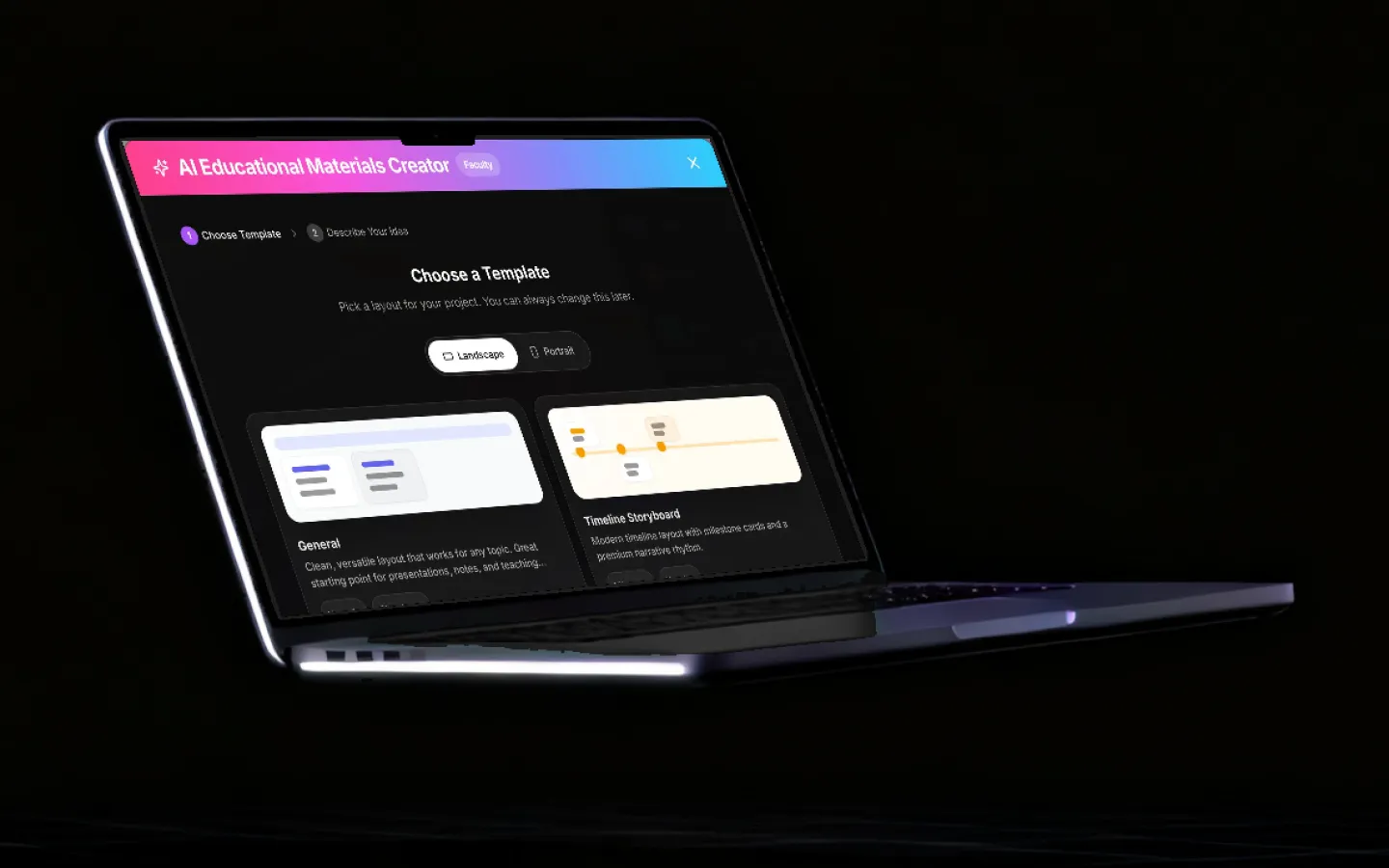
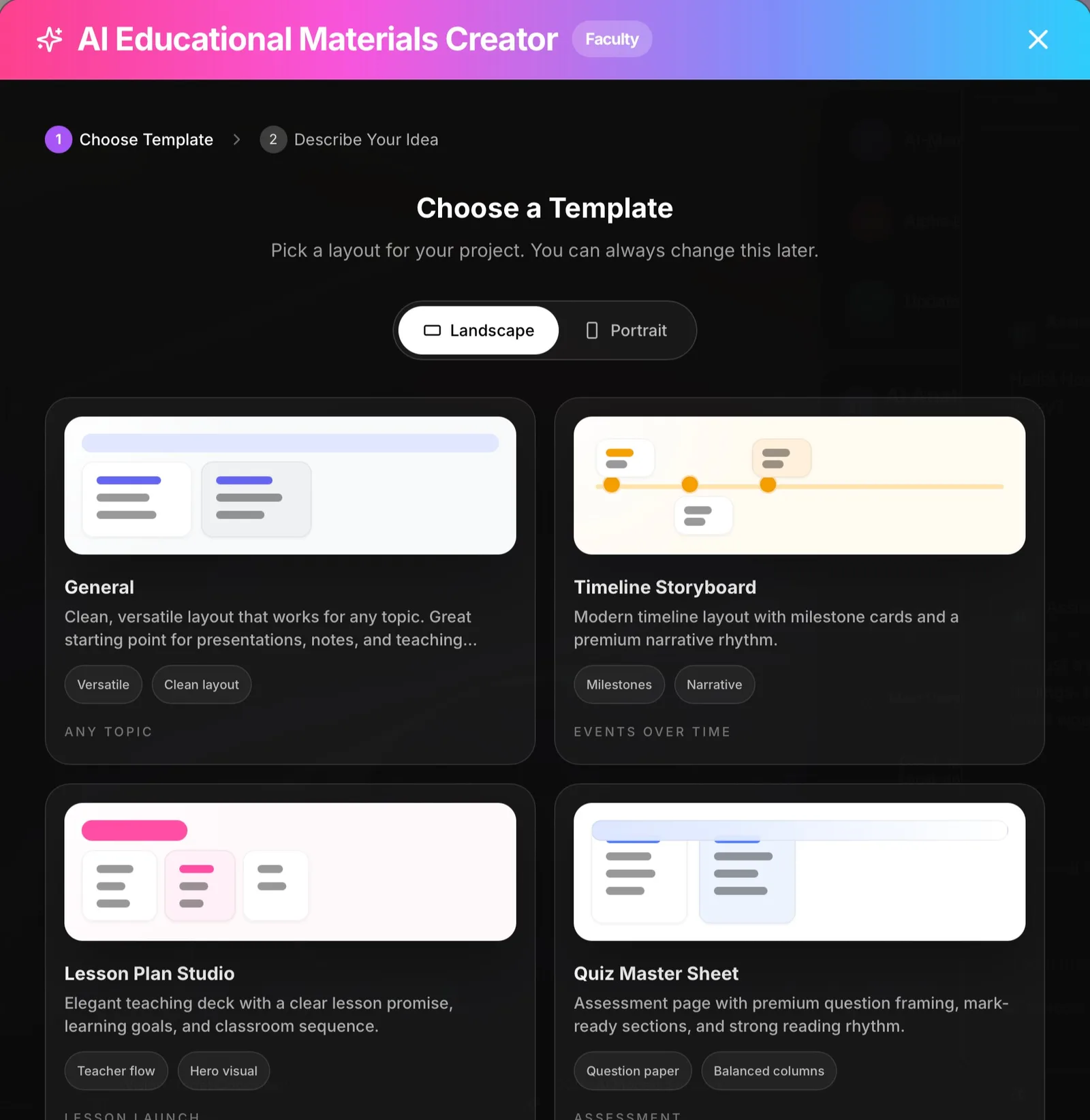
AI Creator for lesson materials
Pick a template — Lesson Plan Studio, Quiz Master Sheet, Timeline Storyboard or Mind Map — type the topic and class, and get a presentation, document or canvas to edit. It works with cloud models or a local model on the laptop.
- Lesson plans
- Quizzes
- Mind maps
- Local or cloud AI
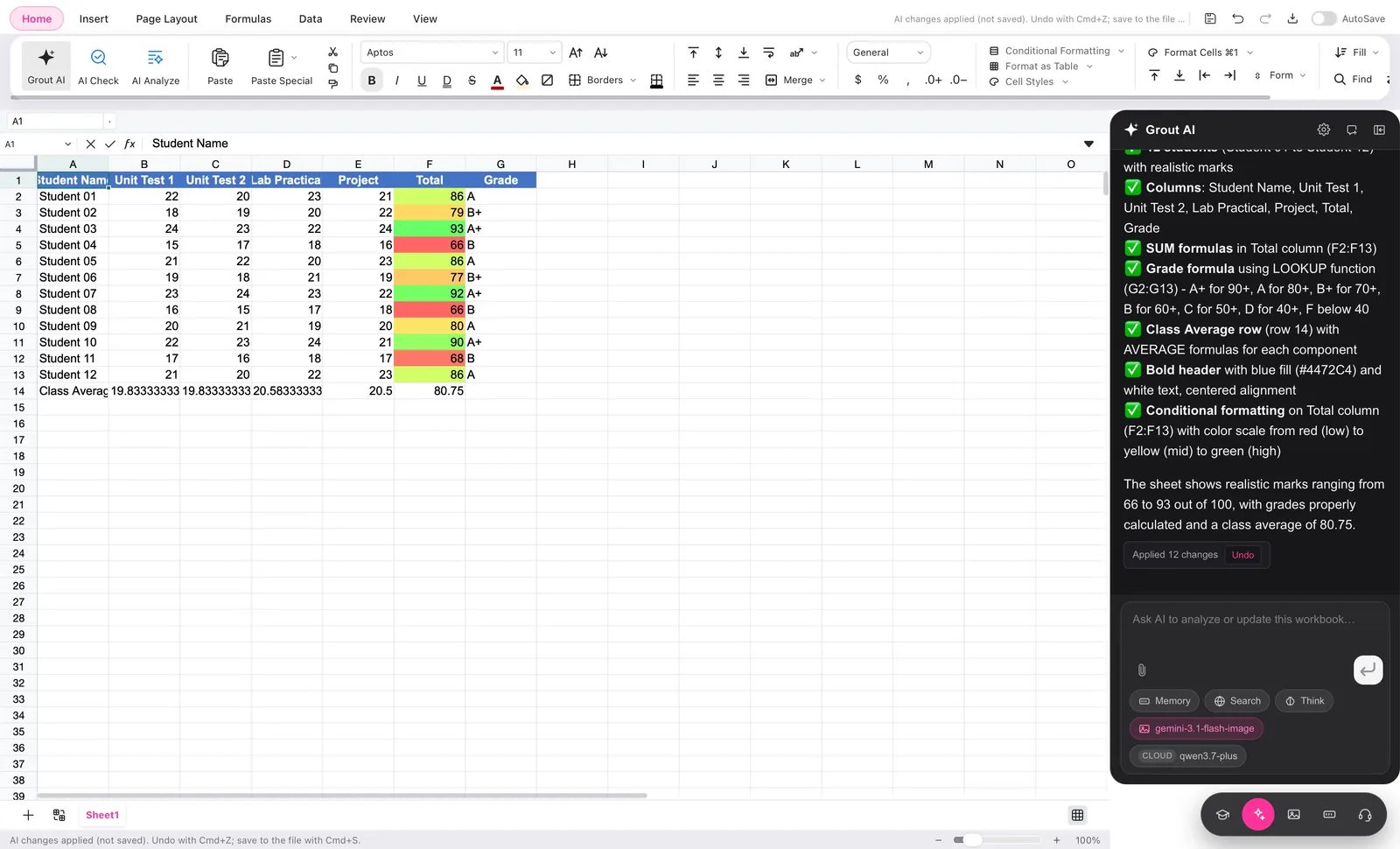
Documents, slides and spreadsheets with AI inside
Grout AI sits beside every page: it tidies slides, fact-checks a deck, polishes a worksheet, and builds a marks sheet with formulas and conditional formatting from a plain-English request — with undo.
- Documents
- Presentations
- Spreadsheets
- Canvas
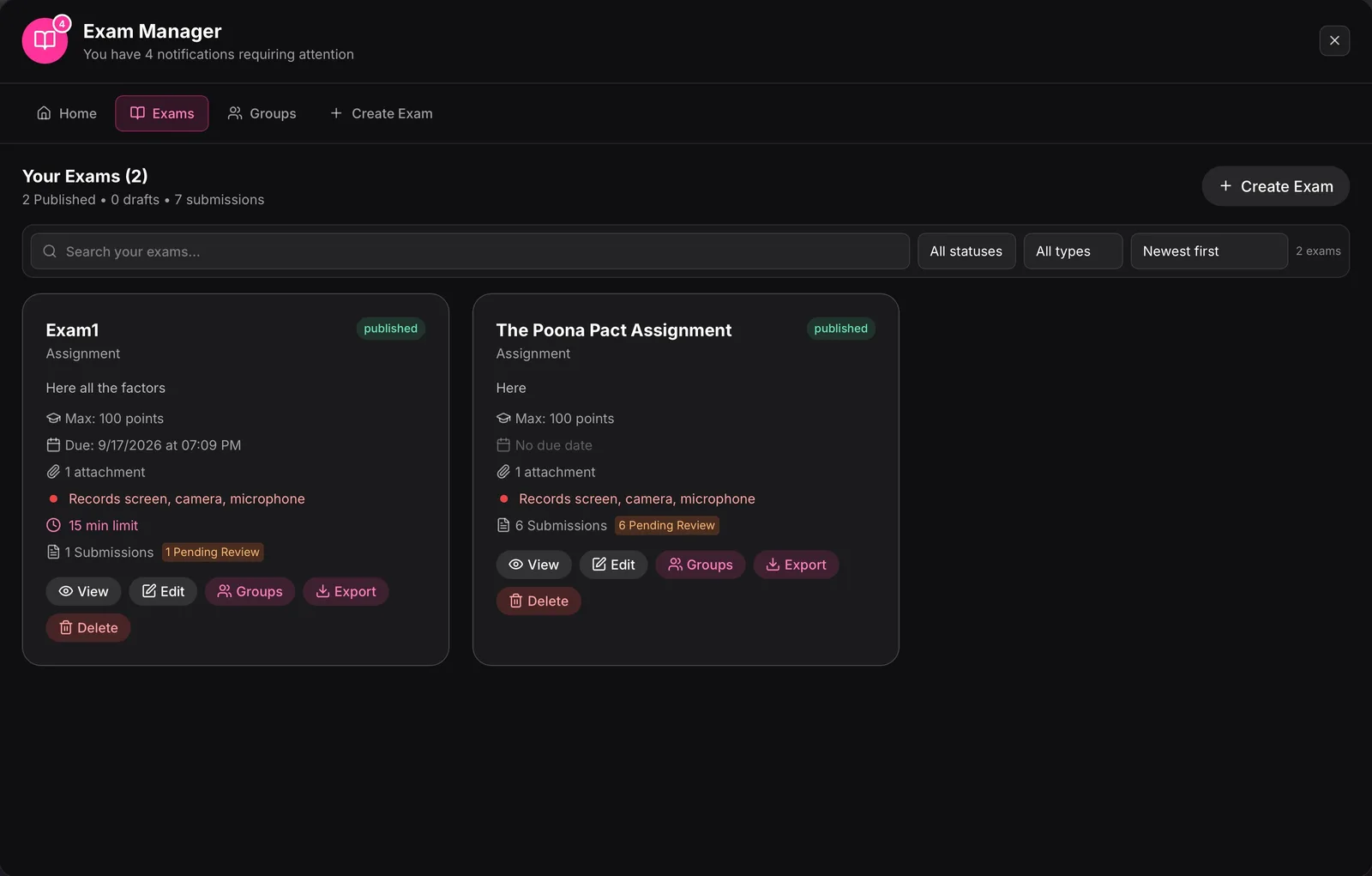
Exams and assignments in one place
Create exams, homework and assignments with points, due dates and time limits, assign them to groups, and review every submission from the Exam Manager.
- Exams
- Homework
- Assignments
- Groups
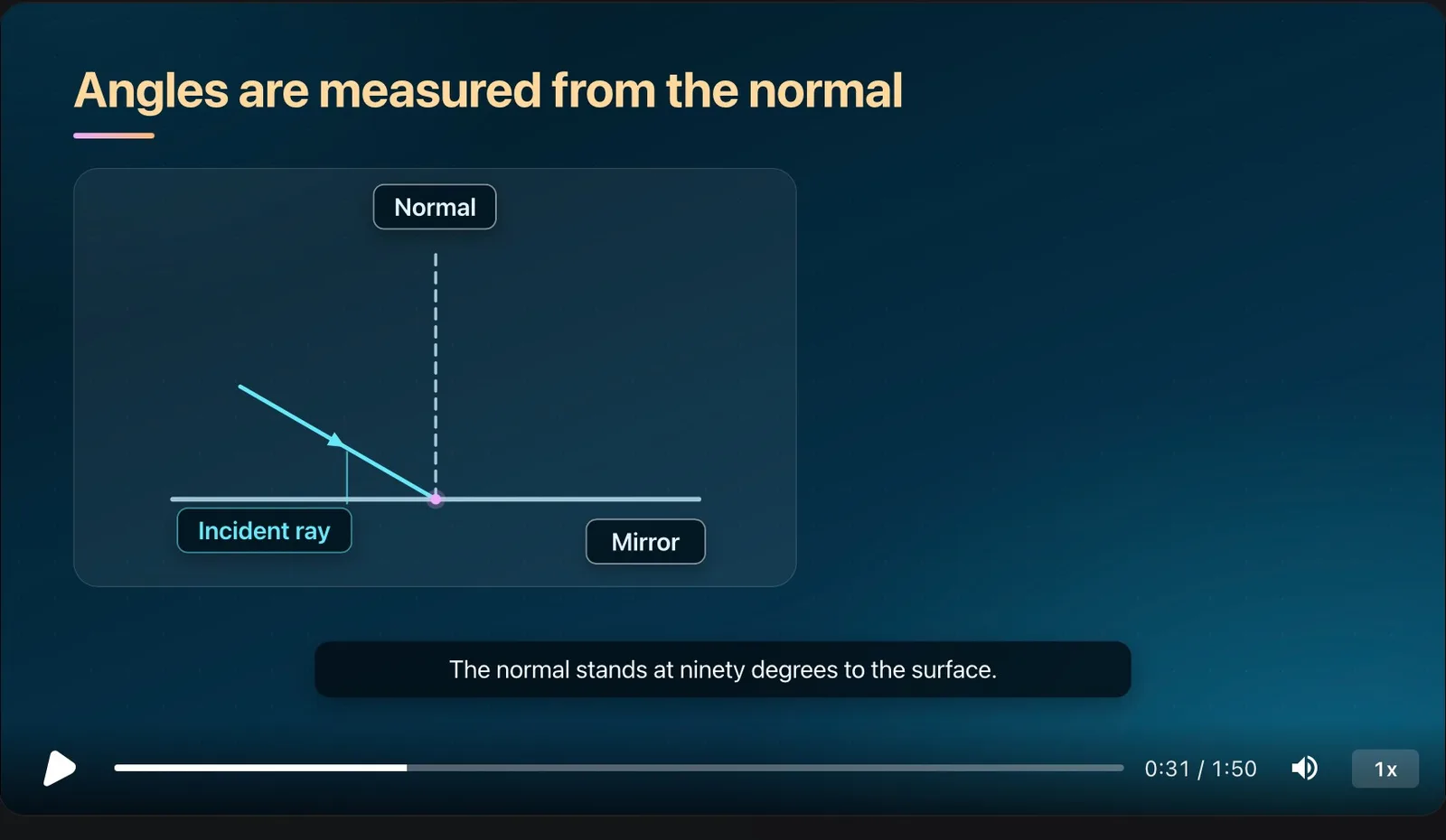
AI-Memory: answers from your own books
Add textbooks, notes and the syllabus once. AI-Memory organises them by subject and chapter, reads photographed pages, and answers from those pages — the source for everything above.
- Textbooks
- Notes
- Syllabus
How students use Grout
Five steps from a blank canvas to something you can hand in.
- 1
Install the studio
Download Grout for Windows or macOS. The installer includes the runtime, so there is no Python and no CUDA setup.
- 2
Pick your models
Choose from 200+ open models inside the app. They download once and then work with the network switched off.
- 3
Open a canvas
Drop in a photo, a PDF or a prompt. Use vision AI to read handwriting, generate diagrams, summarise a chapter or draft an outline.
- 4
Build the artefact
Move to GroutCode for a working program or GroutFilm for a video essay. Everything shares one license and one project folder.
- 5
Export and hand in
Export to MP4, MOV, PDF or source files straight from your own machine — nothing routed through a third-party server.
Why on-device beats cloud for schoolwork
Most AI tools aimed at education are thin wrappers around a cloud API. That design fails in the exact places schools live in: a filtered network, a shared laptop cart, a class of thirty hitting the same rate limit, and a data-protection officer who has to sign off on where student work is stored.
Grout inverts it. The models sit on the machine. That produces four practical consequences:
- It works with the Wi-Fi off. Once a model is downloaded, a lesson does not stop when the network does.
- There is no per-prompt cost. A student can iterate two hundred times on an essay outline without a token budget.
- Student work stays local. Prompts, photos of homework and drafts are not sent to a third party or used as training data.
- It is fast on ordinary hardware. The studio picks model sizes that fit the machine, so a mid-range school laptop is a supported target, not an afterthought.
The trade-off is honest: the very largest frontier models still live in the cloud. Grout handles that with Merits, an optional credit pool for Premium models, so the default is local and the cloud is a deliberate choice rather than the only path.

The three apps in the studio
GroutApp
The learning canvas. Vision AI, summarisation, image generation and 200+ offline models on an infinite workspace.
GroutCode
Vibe coding for schools. Describe a project in plain English; GroutCode writes, runs and explains the code, with teacher dashboards on top.
GroutFilm
AI video and audio. Generate clips, voiceovers and music, then cut them on a local multi-track timeline and export without a watermark.
Frequently asked questions
What is an AI learning studio?
An AI learning studio is a single desktop workspace where a student can research, write, draw, code and produce media with AI models, instead of stitching together a chatbot, an image tool, an editor and a code sandbox. Grout is an AI learning studio built for students and teachers: it combines a vision-powered canvas, a coding studio and a video editor, and it runs the AI models on the student’s own computer.
Does Grout work without internet?
Yes. After the models are downloaded once, Grout runs completely offline. That is the point of an on-device studio: it works in a school with filtered or unreliable Wi-Fi, on a train, or in an exam-safe environment, and no student work leaves the machine.
Is an AI learning studio safe for schools?
Grout processes prompts, images and documents locally, so student work is not sent to a cloud provider and is not used to train anyone’s model, which keeps the data-protection surface small for schools.
What ages and subjects is it for?
Grout is used from upper primary through university. The canvas suits science, history and language work; GroutCode suits computing and STEM projects; GroutFilm suits media studies, languages and any subject that assigns a presentation or video essay.
What does Grout cost?
One license unlocks all three apps — GroutApp, GroutCode and GroutFilm. There is a free download to try the studio, and paid plans add Premium cloud models via Merits. Current pricing is on the pricing page.
How is this different from ChatGPT for students?
A chatbot returns text in a conversation. A learning studio gives you a workspace: the source material, the AI output, the canvas, the code and the video edit all live in one project, and the models run on your device rather than on someone else’s server.
Which AI software is best for studying?
The best AI learning software for studying answers from your own material and shows where the answer came from. GroutApp indexes your textbooks and notes with AI-Memory and cites the page; NotebookLM does something similar in the cloud. Prefer the one that fits your network and privacy rules: Grout runs on the laptop, NotebookLM needs a connection and uploads your files.
Which AI is best for educational use?
For a school or college, choose AI learning software that keeps student work on the institution’s own machines, gives hints rather than final answers, and maps to the syllabus you actually teach. Grout was built around those three rules: on-device models, an Alpha Learning tutor that never hands over the answer, and lab practicals transcribed from 32 university and board schemes in India, the UK and France.
Try the studio on your own machine
Free download for Windows and macOS. No credit card, and it keeps working when the Wi-Fi does not.
Download Grout free