

AI software for students that works offline.
Most students end up juggling a chatbot, an image generator, a transcription site and a video editor — four logins, four bills, four privacy policies. Grout is AI software for students that puts fifteen of those tools in one desktop app running on your own machine.
Updated
The tools
Every tool below runs inside Grout on the same license. Most of them run with the network switched off.
Handwriting and document reader
Photograph a page of notes or a worksheet and get clean, editable text back. Useful for turning a messy revision folder into something searchable.
Summariser
Compress a chapter, a PDF or a lecture transcript into a structured summary with the key terms kept intact, at whatever length you ask for.
Writing and outlining assistant
Build an essay outline, stress-test an argument, or get line-level feedback on structure and clarity — running locally, so drafts stay private.
Step-by-step maths and science help
Work a problem through with the reasoning shown, rather than getting an answer with no method. Photograph the question straight from the textbook.
Image generation and editing
Generate diagrams, illustrations and title cards for a project, or clean up and upscale a photo, without a subscription or a watermark.
Transcription and voiceover
Transcribe a recorded lesson or an interview, then generate a narration track for a presentation in a voice you choose.
Translation and language practice
Translate source material, check your own writing in a second language, and get corrections explained instead of silently applied.
Code writing and explanation
Describe a program in plain English. GroutCode writes it, runs it and walks through what each part does — a route into computing that does not start with syntax errors.
Video editing with AI clips
Generate footage and music, then cut everything on a real multi-track timeline and export locally to MP4 or MOV.
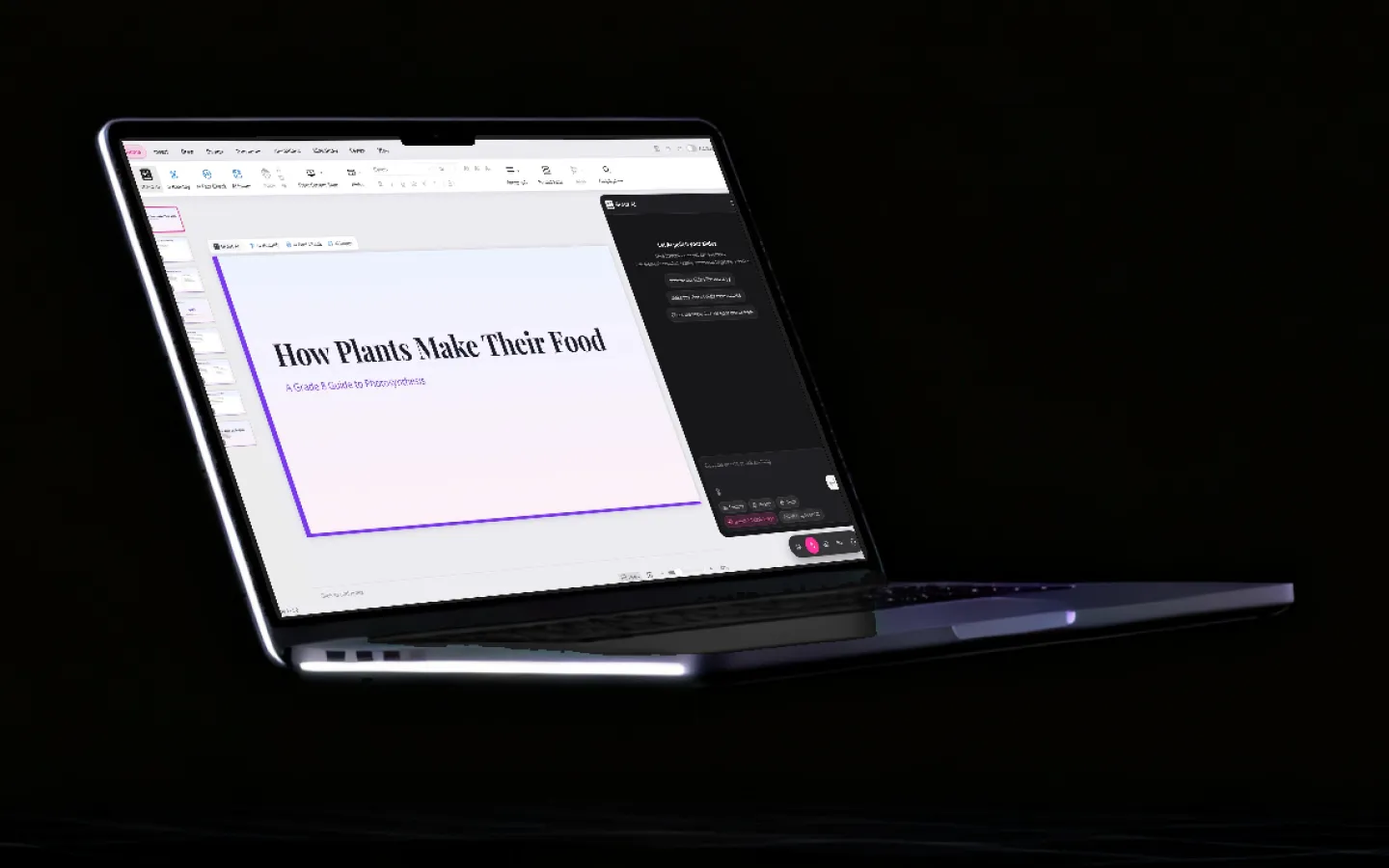
Presentation and poster builder
Turn a set of notes into slides or a poster on the canvas, with generated imagery and a consistent layout.
Flashcards and quiz generation
Turn a chapter into practice questions and spaced-repetition cards, then check your answers against the source.
Chat with your own textbook
Add a PDF, or photograph the pages of a physical book. Grout indexes it locally and answers questions from your syllabus instead of from a model’s training data.
Spoken tutors, offline
Ask out loud and get an explanation spoken back. Speech recognition, turn detection and the voice all run on your machine.
Documents and spreadsheets
Open and edit .docx and .xlsx files, and build decks and workbooks, without leaving the studio for a separate office suite.
Model library — 200+ options
Swap the model behind any tool. Small models for a school laptop, larger ones for a workstation, all downloaded once and run offline.
Choosing tools you will actually keep using
The failure mode with AI tools at school is not capability, it is friction. A tool that needs a phone number, a paid tier after ten prompts and a working network gets abandoned in week three. Three things predict whether a tool survives the term:
- It opens instantly and works offline. If it depends on a network the school filters, it is unreliable exactly when a deadline is close.
- The cost does not scale with use. Per-prompt pricing teaches students to ration their own thinking. On-device models remove the meter.
- It shows its working. A tool that explains steps teaches; a tool that emits a finished answer trains dependence and gets you into trouble with your school’s policy.
That is the design brief Grout was built against — which is why the models are local, the license is one purchase, and the output is a workspace rather than a chat log.

Frequently asked questions
What are the best AI tools for students?
The tools students actually reach for are a document and handwriting reader, a summariser, a writing and outlining assistant, step-by-step maths help, image generation for projects, transcription, translation, a code assistant and a video editor. Grout bundles all of them into one desktop studio so you are not managing a dozen subscriptions.
What is the best offline AI app for students?
Look for four things: the models run on your own laptop rather than in a browser tab, it works on an ordinary 8 GB machine, it covers reading, writing, maths and coding in one place, and there is no charge per prompt. Grout is built around exactly that list, on Windows and macOS.
Are AI tools for students free?
The Grout download is free and lets you try the studio; continued use is a paid yearly licence, and a Grout account is required. The on-device models cost nothing per prompt, because they run on your own computer rather than a metered API. If you need something free for good, ChatGPT, Gemini and NotebookLM all have free tiers, with the trade-off that your work goes to their servers and stops when the network does.
Can I use AI tools without internet?
With Grout, yes. Models download once and then run offline, which is the difference between a desktop studio and a browser tab pointed at a cloud API.
Is using AI tools for schoolwork cheating?
It depends entirely on what your school allows and on how you use the tool. Using AI to explain a concept, generate practice questions, check your structure or produce media for a project is normally fine; submitting generated text as your own writing usually is not. Grout is built to show working — explanations, steps and sources — rather than to hand over a finished answer, and teachers can set the boundaries in the class dashboard.
Which AI tools work on a school laptop?
Grout picks model sizes that fit the machine it is installed on, so mid-range Windows and macOS laptops are supported targets. Larger models are available on stronger hardware, and the Premium cloud models are there when a device cannot run something locally.
Which AI software is best for students?
It depends on the job. For quick questions, a free chatbot such as ChatGPT or Gemini is enough. For studying from your own books, you want software that indexes your textbook and cites the page, the way NotebookLM does in the cloud and Grout does on your laptop. For coding practicals, choose a tool where a compiler checks your program rather than a model guessing. Grout covers all three in one paid desktop app for Windows and macOS.
What AI is free for students?
Free options with real limits: ChatGPT and Gemini free tiers, NotebookLM, Perplexity, and the free version of Grammarly. Grout is a paid yearly licence with a free download to try, so it belongs in the paid list, alongside Quizlet Plus, RemNote Pro and StudyFetch.
Which AI is best for studying for exams?
Use one that works from your syllabus and your notes rather than the open internet, generates practice questions you can attempt again, and shows its working. Grout does this offline: it reads your own textbook, builds practice questions from a chapter, and its exam module runs timed papers on the device.
Fifteen tools. One download.
Free for Windows and macOS. No per-prompt bill, no upload of your schoolwork.
Download Grout free