

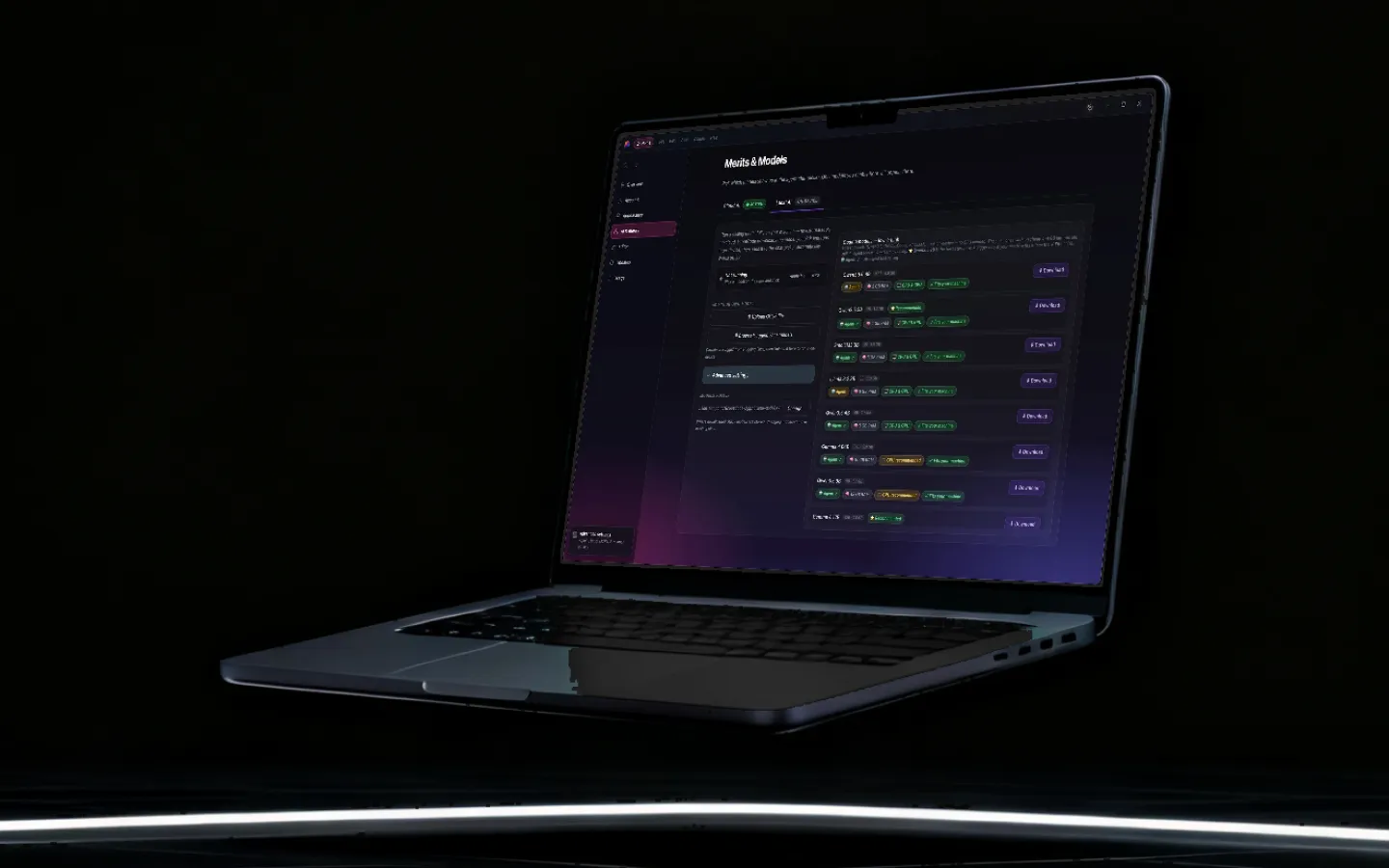
Real models, running on your own hardware.
Grout bundles the inference servers and manages them for you. Text, vision, image generation, speech and embeddings all run on-device with Metal or CUDA acceleration — and if you already run Ollama or hold an OpenRouter key, it uses those too.
Updated
What runs locally
Five inference engines, one app, no terminal.
Text generation
A llama.cpp server runs quantised GGUF models with Metal on Apple Silicon and CUDA on NVIDIA hardware. Grout starts, monitors and stops it for you — there is no terminal step.
Vision
Vision models load with their multimodal projector, so reading a photographed page of handwriting or describing a diagram works with the same local runtime.
Image generation
A stable-diffusion.cpp server handles local image generation and editing, with model sizes chosen to fit the machine it is installed on.
Speech
Parakeet speech-to-text, an end-of-utterance model for turn detection, Silero voice activity detection, and local text-to-speech voices.
Embeddings and retrieval
Local embedding models feed a vector index on disk, which is what makes semantic search over your own textbooks and notes possible offline.
Ollama, if you already run it
Point Grout at a local Ollama server to list, pull and chat with models you already manage, instead of maintaining a second model directory.
Your own API keys
Bring an OpenRouter, OpenAI or Together key when you want a frontier cloud model. Keys are stored encrypted on your machine and usage is reported per project.
Hardware-aware defaults
Grout reads your RAM and GPU and recommends model sizes that will actually run, rather than letting you download something that will not load.
Model catalogue
The curated catalogue inside the app. More can be pulled through Ollama, and Premium cloud models are available through Merits.
| Category | Models |
|---|---|
| Text | Qwen3.5 4B and 9B · Qwen3 4B · Gemma 4 12B and E4B · Llama 3.2 1B and 3B · DeepSeek-R1 Distill 8B · Phi-3.5 · Mistral |
| Vision | Qwen3-VL 2B, 4B and 8B · Gemma 4 E4B · InternVL3 1B · Kimi-VL A3B Thinking · MiniCPM-o 2.6 · SmolVLM 256M and Instruct · LFM2-VL 450M · Qwen2-VL 2B |
| Image generation | FLUX.1 schnell · FLUX.2 Klein · Ideogram 4 · Stable Diffusion 2.1 · Bonsai Image 4B |
| Speech | Parakeet TDT-CTC 110M, 0.6B and 1.1B · realtime end-of-utterance 120M · Silero VAD · local TTS voices |
| Embeddings | EmbeddingGemma 300M · BGE small, base, large and M3 · nomic-embed-text · all-MiniLM-L6-v2 · multilingual-e5-large |
| Image utilities | U²-Net background removal · upscaling · AVIF conversion |
Text
- Models
- Qwen3.5 4B and 9B · Qwen3 4B · Gemma 4 12B and E4B · Llama 3.2 1B and 3B · DeepSeek-R1 Distill 8B · Phi-3.5 · Mistral
Vision
- Models
- Qwen3-VL 2B, 4B and 8B · Gemma 4 E4B · InternVL3 1B · Kimi-VL A3B Thinking · MiniCPM-o 2.6 · SmolVLM 256M and Instruct · LFM2-VL 450M · Qwen2-VL 2B
Image generation
- Models
- FLUX.1 schnell · FLUX.2 Klein · Ideogram 4 · Stable Diffusion 2.1 · Bonsai Image 4B
Speech
- Models
- Parakeet TDT-CTC 110M, 0.6B and 1.1B · realtime end-of-utterance 120M · Silero VAD · local TTS voices
Embeddings
- Models
- EmbeddingGemma 300M · BGE small, base, large and M3 · nomic-embed-text · all-MiniLM-L6-v2 · multilingual-e5-large
Image utilities
- Models
- U²-Net background removal · upscaling · AVIF conversion
Local first, cloud when it earns it
The honest position on local models is that they are excellent at most of what a student does and second-best at the hardest reasoning. A tool that pretends otherwise in either direction is selling something.
So the arrangement here is a default rather than a restriction. Local models handle summarising, explaining, reading handwriting, generating diagrams and practice questions, small programs and everyday writing work — instantly, free, offline. When a task genuinely warrants a frontier model, you escalate deliberately: Premium models through Merits, or your own API key if you already have one.
Why bundling the servers matters
Running local AI has historically meant a Python environment, a CUDA version mismatch, a GGUF file you found on a forum and a terminal window. That is a fine hobby and a terrible product. The engines here ship inside the app, the model catalogue is curated, and Grout reads your hardware to recommend sizes that will actually load.
The escape hatch is still there. Point it at Ollama, add your own keys, swap the model behind any tool. Nothing is locked.

Frequently asked questions
Which AI models can run locally on my computer?
Grout ships a curated catalogue covering text (Qwen3.5, Gemma 4, Llama 3.2, DeepSeek-R1 distills, Phi, Mistral), vision (Qwen3-VL, InternVL3, Kimi-VL, MiniCPM-o, SmolVLM), image generation (FLUX.1 schnell, FLUX.2 Klein, Ideogram 4, Stable Diffusion 2.1), speech (Parakeet, Silero VAD, local TTS) and embeddings (EmbeddingGemma, BGE, nomic-embed). All are quantised to run on ordinary laptops.
Do I need to install llama.cpp or Ollama myself?
No. The inference servers ship inside the app and Grout manages their lifecycle. If you already run Ollama you can point Grout at it instead, but that is a convenience rather than a requirement.
Can I use my own OpenRouter or OpenAI API key?
Yes. Add an OpenRouter, OpenAI or Together key and those models appear alongside the local ones. Keys are stored encrypted on your machine, and usage and cost are reported per project so a shared key does not become a mystery bill.
Does Grout use my GPU?
Yes where one is available. Metal is used on Apple Silicon and CUDA on supported NVIDIA hardware, for text, image generation and speech. On a machine without either, everything still runs on CPU with smaller models.
How much disk space do the models need?
A small text model is a few hundred megabytes; a capable 4-bit model in the 4-to-9 billion parameter range is typically two to six gigabytes. Image models are larger. You only download what you choose to use, and models can be removed and re-downloaded later.
What is quantisation and does it hurt quality?
Quantisation stores model weights at reduced precision — 4-bit or 8-bit instead of 16-bit — which cuts memory use several-fold. The quality cost is small and, for the tasks students bring, usually not noticeable. It is the single technique that makes a capable model fit on a school laptop.
Download the studio, then the models
Free for Windows and macOS. The inference servers are included — there is nothing else to install.
Download Grout free