

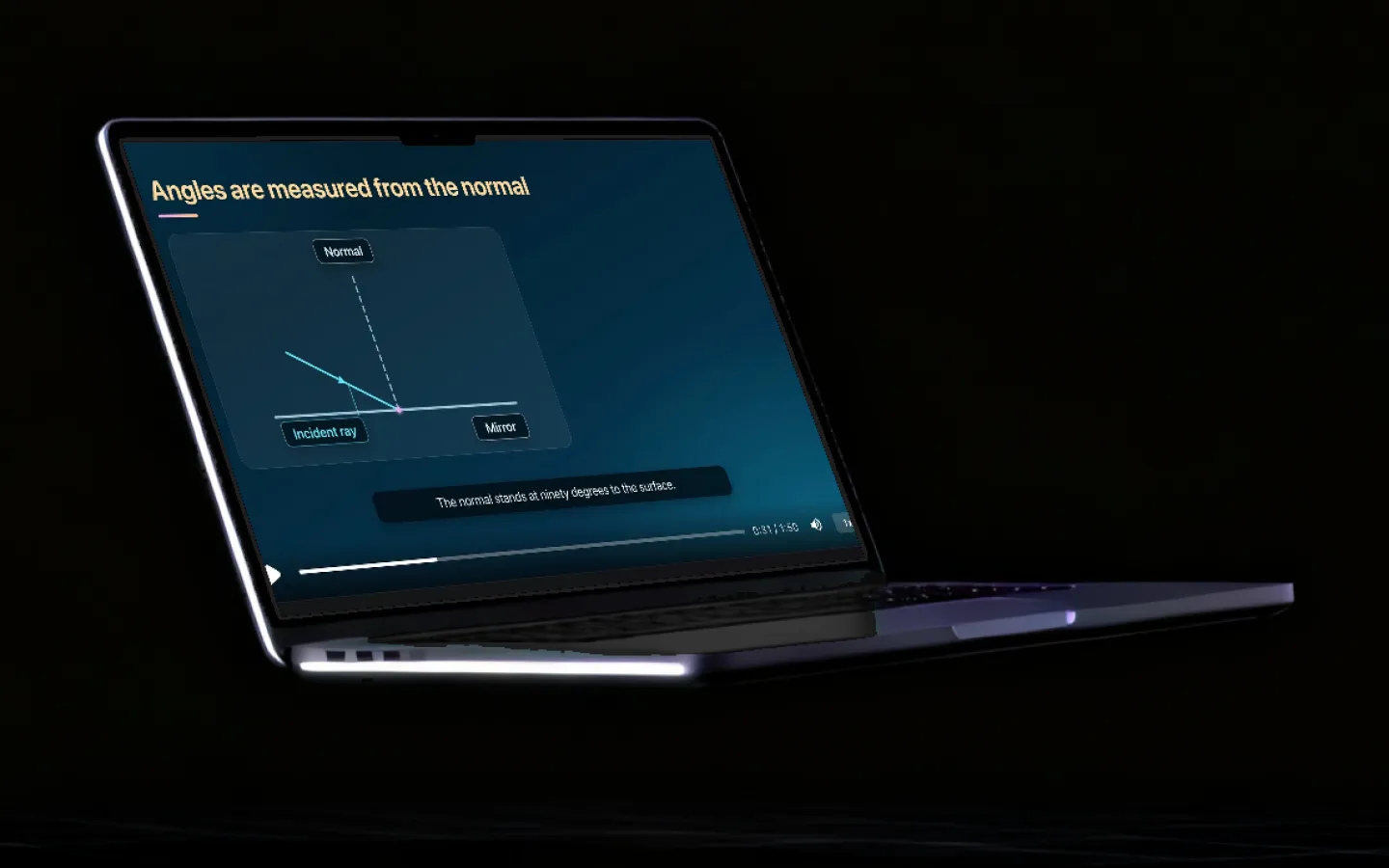
Talk to a tutor that never phones home.
Speech recognition, turn detection and text-to-speech all run on your own machine. Ask a question out loud, get an explanation spoken back, and keep going — with the Wi-Fi off and no audio leaving the room.
Updated
What makes the conversation work
Four models cooperating on-device: speech recognition, turn detection, the tutor itself, and a voice.
Offline speech recognition
Speech-to-text runs on-device with Parakeet models. Your voice is transcribed on your own machine and no audio is streamed to a server.
Real-time turn detection
A dedicated end-of-utterance model works out when you have finished speaking, so a conversation flows instead of waiting for a fixed pause or a button press.
Voice activity detection
Silero VAD separates speech from room noise, which is what makes hands-free use workable in an actual classroom rather than a quiet studio.
Local text-to-speech
The tutor speaks back using on-device voices. Pick a voice, and it works with the network off like everything else.
Tutors you configure
Build an agent per subject with its own system prompt and model. A physics tutor that works through derivations behaves differently from a language partner.
Explains rather than answers
Agents are set up to work a problem through with you. That is both better pedagogy and the use of AI your school policy almost certainly permits.
Language practice
Speak in a language you are learning and get corrections explained rather than silently applied, with multilingual models handling both sides.
Transcription for lessons
The same speech engine transcribes a recorded lesson or an interview into text you can then summarise or search.
Why voice is the mode that gets used
Typing a question is a small tax, but it is charged every time. It is enough that a student who is stuck on step four of a derivation will usually just stare at it rather than describe the problem in a text box. Speaking removes that tax, and the number of questions asked goes up sharply.
It also changes what kind of question gets asked. Typed questions tend to be well-formed and final. Spoken questions are half-formed, which is exactly the state a student is in when help would be most useful.
Why running it locally matters here more than anywhere else
Text is one thing. A continuous audio stream from a child’s desk is another, and it is the part parents and data-protection officers object to hardest — with reason. A cloud voice assistant means a microphone feed leaving the building.
On-device speech recognition removes the stream. The audio is transcribed on the machine it was captured on and is never transmitted, which turns a difficult conversation into a short one. It also means no per-minute transcription bill, so a student can talk for an hour without anyone watching a meter.

Frequently asked questions
Is there an AI voice tutor that works offline?
Yes. Grout runs speech-to-text, turn detection and text-to-speech on-device, alongside a local language model, so you can hold a spoken conversation with a subject tutor with the network disconnected. No audio is streamed anywhere.
Does the AI tutor speak out loud?
Yes. On-device text-to-speech reads the tutor’s replies aloud with a voice you choose. Because the voices are local, this works offline and has no per-minute cost.
Can I use voice input instead of typing?
Yes, anywhere in the studio. Voice activity detection and end-of-utterance detection mean you can talk naturally rather than holding a button, which matters when your hands are on a worksheet.
Is it safe for a child to talk to an AI tutor?
The specific risk with voice assistants is that a child’s speech is recorded and sent to a company. On-device processing removes that transfer — the audio is transcribed locally and never uploaded. Beyond that, guardians can see activity and set screen time limits.
Can I make a tutor for a specific subject?
Yes. Each agent has its own system prompt and model, so you can configure a chemistry tutor that insists on balanced equations and a separate essay coach that never writes prose for you.
Does voice work in languages other than English?
The studio ships multilingual speech and language models, and the interface itself runs in several languages. Quality varies by language — widely spoken languages are noticeably stronger than rare ones.
Ask out loud
Free download for Windows and macOS. Speech in, speech out, nothing uploaded.
Download Grout free