

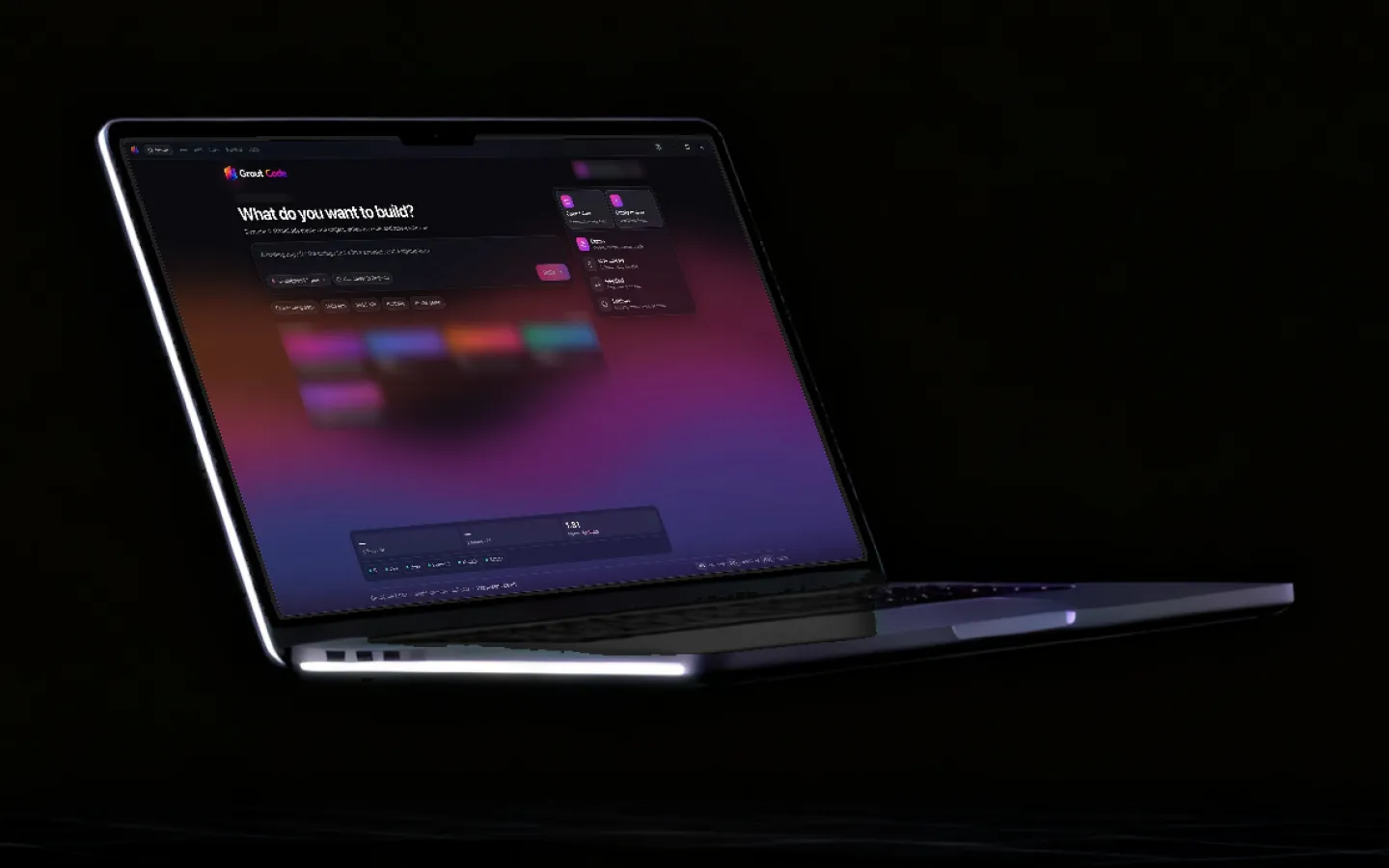
A coding agent you can watch work.
GroutCode starts from the agent loop rather than bolting a chat panel onto an editor. Every tool call is rendered as it streams, shell commands pass an approval gate, and the editor, Git and terminal are all in the same window.
Updated
Four Composer modes
Pick the amount of autonomy the task deserves.
Agent
Autonomous execution. The agent reads, edits, runs commands and iterates until the task is done, with every tool call rendered as it happens.
Plan
Review first, then run. The agent writes a plan document you approve or amend before a single file is touched.
Ask
Read-only. It can search and read the workspace but cannot write, which is the right mode for understanding a codebase you did not write.
Debug
Systematic troubleshooting — reproduce, narrow, hypothesise, test — rather than guessing at a fix from the stack trace.
What is in the workspace
A visible agent loop
Think → Plan → Execute → Observe, with streaming tool parameters and trajectory cards for Read, Write, Edit, Glob, Grep, Bash, Terminal and LSP. You watch the work rather than waiting for a result.
Approval gates
Shell commands and file writes pass through an approval gate you control. Nothing runs against your machine because a model decided it should.
Team mode
A team lead decomposes the work and hands tasks to specialist and reviewer agents running in parallel, with escalation and peer-request tools between them. Engineering, planning and design presets ship built in.
Monaco editor and diff review
A real multi-tab editor with syntax highlighting, inline diffs, and a review panel for every change an agent proposes before it lands.
Git-native
Status, diff, staging, commit, push and branch switching from the UI, kept in sync with agent-driven changes rather than sitting beside them.
Real terminal
An embedded xterm.js terminal on a PTY, for your own commands and for watching the agent’s. Terminal profiles and SFTP sessions included.
Bring your own key
Anthropic, OpenAI and Gemini adapters, plus any OpenAI-compatible endpoint — Ollama, vLLM, an aggregator or something self-hosted. Auto mode picks the best available model.
MCP, skills and plugins
Model Context Protocol servers for external tools, local disk skills, workspace rules, custom subagents, and a plugin marketplace with LSP support.
Local-first by default
Threads, settings and plan documents are JSON and Markdown under your user data directory. Conversation history and repo state do not depend on a cloud service.
Why a student IDE should be a real one
There is a persistent temptation in education software to build a simplified version of the professional tool — a friendlier editor, a gentler terminal, a sandbox that hides the compiler. It feels kind. It produces graduates who have never used the thing their first employer uses.
GroutCode goes the other way. It is a real IDE shell with Monaco, a real PTY terminal, real Git, and a real agent that can run commands against your machine. The scaffolding is in the lab practicals — stepped lessons, starter files, compiler-checked steps — not in a watered-down tool.
Which means the transition costs nothing
A student who has spent two years doing their KTU or VTU lab work in GroutCode has spent two years in an agent-first IDE with Git, a terminal and diff review. Moving to a professional setup afterwards is a change of logo, not a change of skill.
And the model access stays honest
Model access is bring-your-own-key, and the local-first storage means threads, settings and plan documents are files on your disk. A student on a lab machine can point it at a local Ollama server; a department can point it at whatever it already pays for. Nothing depends on a single vendor’s billing relationship.

Frequently asked questions
Is GroutCode a Cursor alternative?
That is the explicit design target. GroutCode is an AI-native desktop IDE shell with an agent loop, a Monaco editor, Git, a terminal and a diff review flow in one workspace. The differences are that model access is bring-your-own-key across Anthropic, OpenAI, Gemini and any OpenAI-compatible endpoint, and that threads, settings and plans stay local-first.
What are the four Composer modes?
Agent runs autonomously. Plan writes a plan you approve before anything executes. Ask is read-only for understanding a codebase. Debug follows a systematic reproduce-narrow-hypothesise-test loop. You pick the mode per conversation.
Can the agent run shell commands on my machine?
Yes, and that is why there is an approval gate. Shell commands and file writes are presented for approval, with a permission model you configure per workspace. You can also run in Ask mode, where the agent cannot write at all.
Which AI models does GroutCode support?
Built-in adapters for Anthropic, OpenAI and Gemini, plus any OpenAI-compatible endpoint — that covers Ollama and vLLM for local models, aggregators, and self-hosted services. Streaming thinking blocks are supported on models that emit them, and Auto mode picks the best available.
What is Team mode?
A team lead agent decomposes your request into tasks with owners and acceptance criteria, then hands them to specialist agents — frontend, backend, QA, reviewer or custom roles — that run in parallel and can escalate or ask each other questions. Engineering, planning and design presets ship built in.
Does GroutCode work with chat platforms?
Yes. Telegram, Slack, Discord and Feishu (Lark) adapters let the same agent runtime respond in a chat surface, with a per-integration model, default mode, workspace roots, user and chat allowlists, and an optional HTTP proxy.
Is GroutCode open source?
The project is released under the Apache License 2.0.
An agent-first IDE, included in the license
GroutCode ships with every Grout Suite subscription. Free download for Windows and macOS.
Download GroutCode