

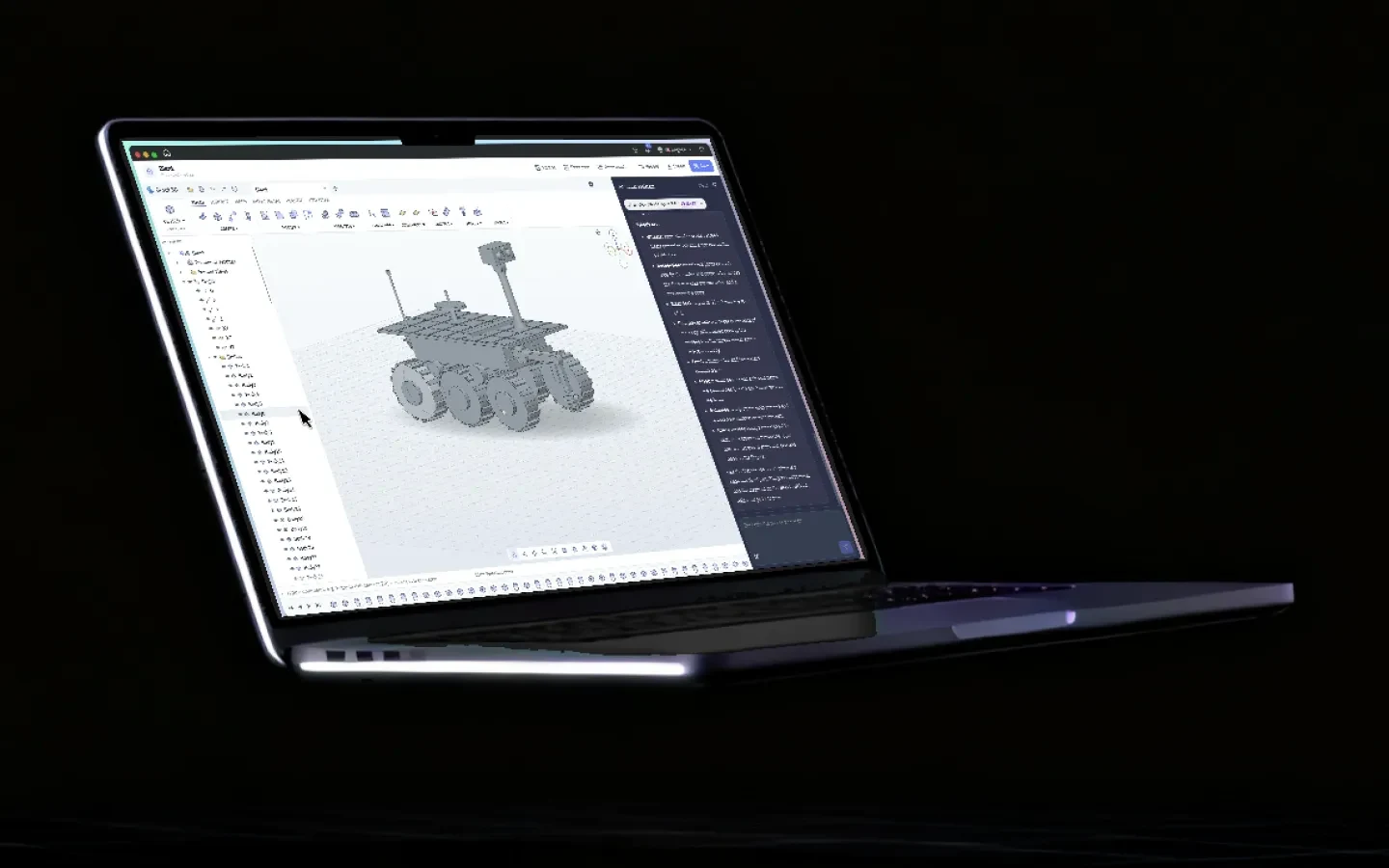
3D CAD Studio, with AI built in.
Open a blank 3D project and you get a complete CAD workspace. Describe what you want to build, pick a model, and watch the assembly take shape live, step by step. Ask for more detail and it adds it. Every part stays yours to edit with real modelling tools. Built for students from 8th grade to engineering and medical school.
- becomes a complete assembly with every major part
- 1 promptbecomes a complete assembly with every major part
- every build step lands on the timeline as it happens
- Liveevery build step lands on the timeline as it happens
- to run the AI: Grout Cloud, your own key, or local
- 3 waysto run the AI: Grout Cloud, your own key, or local
- on students' own laptops and lab PCs
- Win · Macon students' own laptops and lab PCs
One prompt. A six-wheeled Mars rover.
The launch film, recorded in GroutApp: the prompt, the live build, and the second pass that adds treads, suspension and instruments.
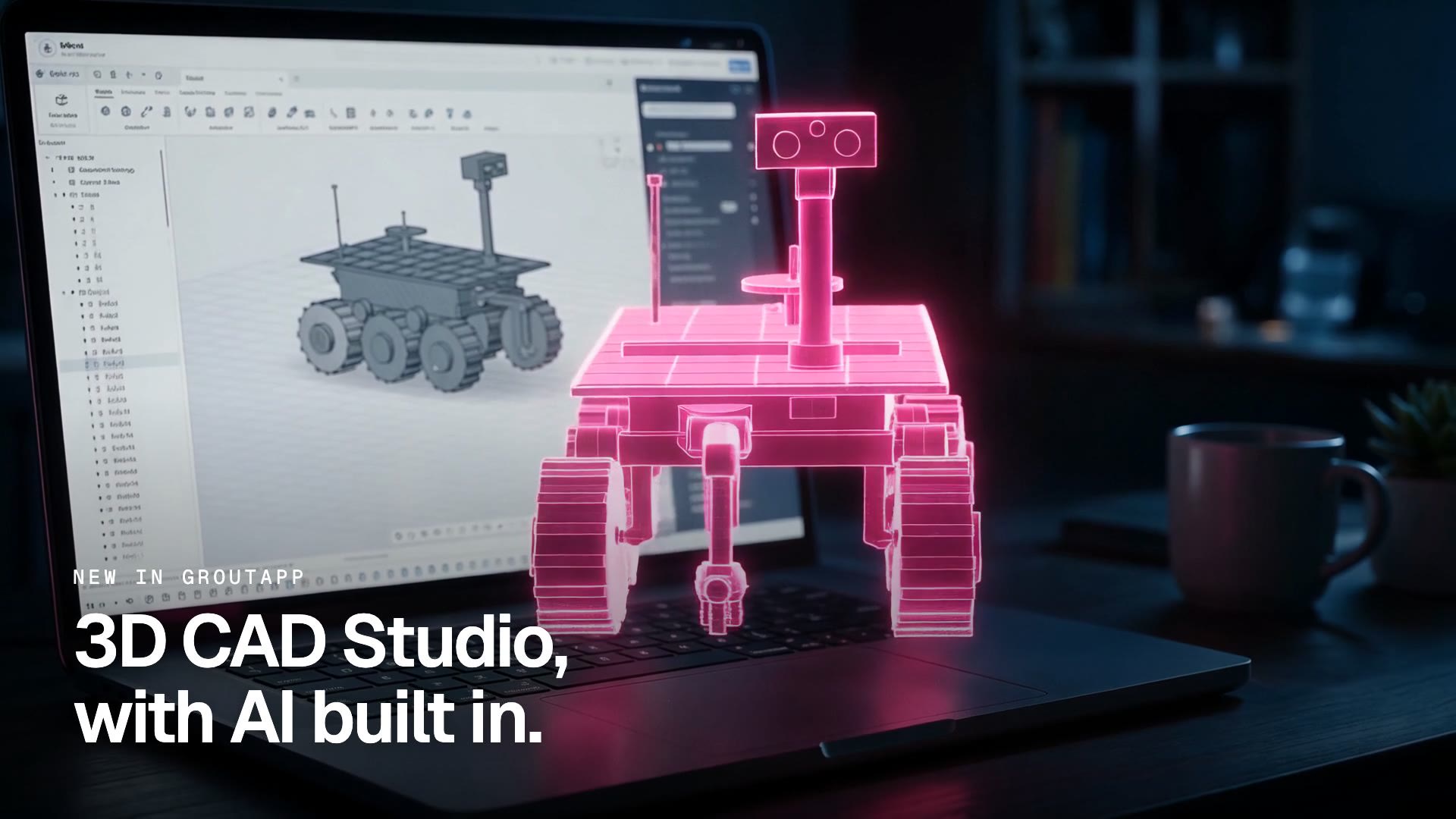
Describe it. Watch it build.
The prompt asks for a futuristic six-wheeled Mars exploration rover with a rugged chassis, articulated suspension, a multi-jointed arm with a gripper, solar panels, cameras and antennas. The first version lands in minutes; a second request adds the detail.
What 3D CAD Studio does
The parts of the workspace students use in the first ten minutes.
Describe the part in plain English
Type what you want in the 3D model assistant: the shape, the parts, the materials, the colour scheme. No command syntax to learn before you can start.
Built live, step by step
The assistant reads the plan, then builds each body on the timeline in front of you, so you can follow how the chassis, wheels, mast and arm come together.
Ask for more detail
Say "please bring more details" and the model gets treads on the wheels, suspension pivots, a camera head, antennas and a feed horn on the dish. Each pass explains what changed.
Real CAD tools, not a toy
Solid, Surface, Mesh, Sheet metal, Plastic and Utilities tabs with Create, Modify, Assemble, Configure, Construct, Inspect, Insert and Select groups. Edit any part by hand.
A feature tree for every body
Origin planes, named views and every body the AI created sit in the browser on the left, so you can hide, select and rework parts one at a time.
Your AI, your choice
Pick Grout Cloud, bring your own key from OpenAI, Google or Anthropic through OpenRouter, or run a local model on this computer with Ollama or the built-in runtime.
Start from a sample or a file
Begin from a blank part, a sample like a sheet metal bracket, hinge assembly or vent plate, or open an existing .grt3d file or a mesh.
Record, photograph and export
Take photos of the model, record the build, and export your work when it is ready to hand in or print.
Inside the workspace
Real screens from the shipping module, not mockups.

Choose where the AI runs
The same model picker as the rest of GroutApp: Grout Cloud models, your own provider key, or Ollama and built-in models on this computer.

A blank workspace and a prompt
The 3D model assistant on the right takes the description; the viewport, toolbar and browser are the full CAD workspace.

The first build
Chassis, deck, six wheels, mast and arm appear body by body. The assistant lists each build step with its timing.

After "please bring more details"
Treads on every wheel, rocker suspension, a solar deck, a rear power unit, camera head and antennas. The assistant explains what is new.

Every part stays editable
Solid, Surface, Mesh, Sheet metal and Plastic tabs above a browser with every body the AI created.
From idea to model in four steps
What the launch film shows, in order.
- 1
Create a 3D model project
On the GroutApp home screen choose Create new project, then 3D model. The Grout 3D workspace opens with origin planes ready.
- 2
Pick your AI
Open the model picker and choose Grout Cloud, your own API key, or a local model on this computer.
- 3
Describe what you want
Write the part or assembly in plain language: what it is, the major components, the look, the colours. Send it.
- 4
Build, then refine
Watch the steps land on the timeline. Ask for more detail, change a part by hand, or keep going with a new request.
Where the AI runs
Three options, same workspace. A Grout account is required for all of them.
| Option | What you need | Internet |
|---|---|---|
| Grout Cloud | Nothing extra: hundreds of models, paid with Merits | Yes |
| Your own key | An OpenAI, Google, Anthropic or OpenRouter key, billed by your provider | Yes |
| On this computer | Ollama or the built-in runtime and a downloaded model | No, once the model is downloaded |
Grout Cloud
- What you need
- Nothing extra: hundreds of models, paid with Merits
- Internet
- Yes
Your own key
- What you need
- An OpenAI, Google, Anthropic or OpenRouter key, billed by your provider
- Internet
- Yes
On this computer
- What you need
- Ollama or the built-in runtime and a downloaded model
- Internet
- No, once the model is downloaded
Why put AI inside CAD for students
CAD is where a lot of students first meet engineering, and where a lot of them give up. The tools are powerful, but the first week is spent learning where the extrude button is rather than designing anything. By the time a student can build a bracket, the project deadline has passed.
3D CAD Studio turns that around. A student describes the thing they want, in their own words, and watches a complete assembly appear body by body on the timeline. They see how a rover breaks down into a chassis, a deck, six wheels on rocker arms, a mast and an arm. Then they open the feature tree and start changing it. The AI gets them to a model worth editing; the CAD tools teach them how to edit it.
From 8th grade to engineering and medical school
An 8th grader can model a phone stand or a planetary rover for a science fair. An engineering student can get a first pass at a bracket, a gearbox housing or a sheet metal enclosure and then do the real work of dimensions and tolerances. A medical or biology student can build a visual aid for a presentation. The same workspace serves all of them, and the AI runs where the school needs it to: in Grout Cloud, on the student's own key, or on the lab PC with no connection.

Frequently asked questions
What is 3D CAD Studio?
3D CAD Studio is the 3D modelling workspace inside GroutApp. It has a full CAD toolbar (Solid, Surface, Mesh, Sheet metal, Plastic and Utilities) and a 3D model assistant that builds parts and assemblies from a plain-language prompt, step by step on a timeline.
Does the AI build the whole model from one prompt?
It builds a complete first version with every major part you described. In the launch film one prompt produced a rover with a chassis, deck, six wheels, suspension, mast, arm, solar panels and antennas. A second request added treads, pivots, a camera head and a feed horn. You can keep refining with prompts or edit any body by hand.
Which AI models can I use?
Any model GroutApp offers: Grout Cloud models paid with Merits, your own key from OpenAI, Google, Anthropic or OpenRouter, or a local model running on this computer through Ollama or the built-in runtime. The launch film used Claude Opus 5.5 through the owner's own key.
Does 3D CAD Studio work offline?
The workspace and the manual CAD tools run on your computer. The assistant works offline when you choose a local model on this computer; Grout Cloud and your-own-key models need an internet connection. A Grout account and one sign-in are required.
Who is it for?
Students from 8th grade up to engineering and medical school, and the teachers who run their labs. The same workspace scales from a science-fair model to a first pass at a mechanical part.
Can I edit what the AI made?
Yes. Every body the assistant creates appears in the browser on the left and can be selected, hidden and reworked with the Create, Modify, Assemble, Construct and Inspect tools like any part you drew yourself.
Which plans include 3D CAD Studio?
3D CAD Studio is a premium module in GroutApp. See the pricing page for the current individual and institution plans. GroutApp runs on Windows and macOS; there is no Linux build.
Imagine it. Describe it. Build it.
Download GroutApp for Windows or Mac and open a 3D model project. Your first assembly is one prompt away.
Download GroutApp