

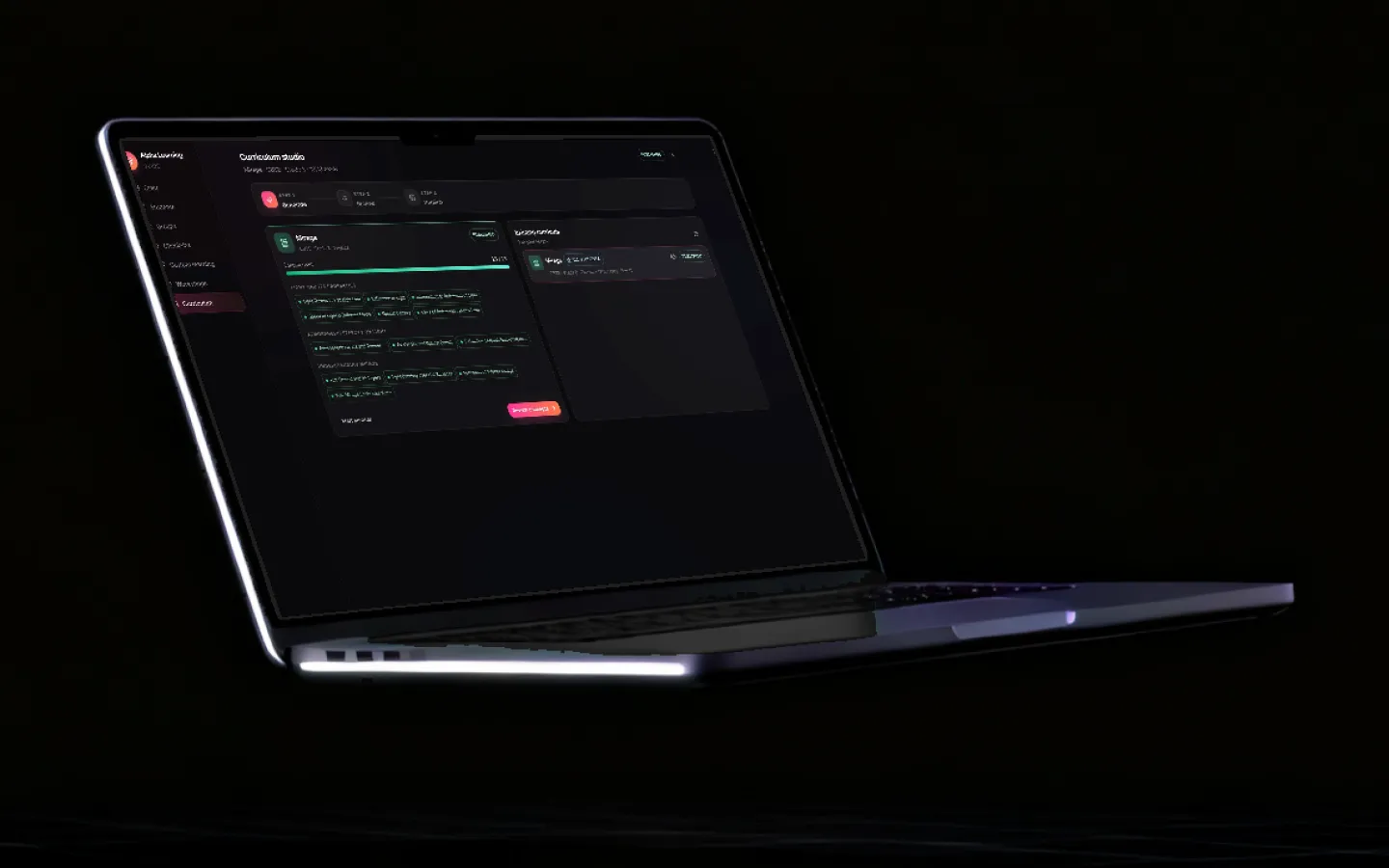
See the progress, not the transcript.
Link a guardian to a student and get progress across projects and homework, daily screen time, and a clear view of which AI models were used. And because the models run on the device, no company holds a record of what your child asked.
Updated
What guardians get
Enough visibility to have a useful conversation. Not enough to make a child hide what they are doing.
Screen time tracking
Time in the app is tracked per day, so "how long was she actually on it" has an answer rather than an argument.
Linked guardians
A guardian is linked to a specific student, and sees that student’s activity. Nothing is shared with anyone who is not linked.
Progress reports
Projects and homework in one view, so a parent sees achievement and gaps without a teacher assembling a summary by hand.
Activity statistics
Which tools were used and how often, over time. Useful for spotting a student who has stopped opening the thing entirely.
AI usage and cost visibility
Which models were run and what they cost in Merits. Premium cloud usage is visible rather than a surprise on a statement.
Per-profile separation
On a shared family or lab machine, each student’s work and progress is scoped to their own profile rather than pooled.
Nothing to monitor remotely
Because the AI runs locally, there is no browsing history on a company server for anyone — including us — to hold about your child.
Visibility, not surveillance
Guardians see progress and usage, not a keystroke log. The design goal is a useful conversation at home, not a monitoring tool.
The privacy problem parents actually have
Most conversations about children and AI focus on content — will it say something inappropriate, will it do the homework for them. Those matter. But the structural issue sits underneath and gets discussed far less.
When a child uses a cloud AI tool, the following leave your house: every question they typed, every photograph of their own homework, and increasingly their voice. That material is transmitted to a company, retained for some period described in a document you have not read, and in many cases available for training. It is a detailed record of a minor’s intellectual development, held by a third party, indefinitely.
What on-device changes
Running the model locally does not make AI safe on its own — nothing does. What it does is remove that record from existence. There is no transmission, so there is nothing to retain, nothing to breach and nothing to train on. The question "what does this company know about my child" has the answer "nothing", which is not an answer any cloud tool can give.
On top of that, guardians see progress and usage — which is the information a parent can actually act on. A transcript of every conversation would be both more invasive and less useful.

Frequently asked questions
Does Grout have parental controls?
Yes. Guardians can be linked to a student and get progress reports across projects and homework, plus activity and AI usage statistics. Screen time in the app is tracked per day. Because the AI models run on the device, there is no cloud history of a child’s prompts held anywhere.
Can parents see how much time a child spends in the app?
Yes, screen time is tracked daily. It measures time inside Grout specifically, which is more useful than a whole-device number when you are trying to work out whether homework actually happened.
Can parents see what a child asked the AI?
Guardians see progress, activity statistics and which models were used — not a transcript of every conversation. That is a deliberate line: the aim is enough visibility for a real conversation at home, without turning a study tool into a surveillance device that a child will simply stop using honestly.
Is an offline AI tool safer for children?
Structurally, yes. The main privacy risk with cloud AI for children is that their prompts, photographs of their homework and their voice are transmitted to and retained by a company. On-device processing removes that transfer, so there is no third-party record to worry about.
Does this work on a shared family computer?
Yes. Profiles are separated per student, so two children on the same machine keep their own projects, progress and screen time rather than sharing one pooled history.
Can a school set these controls instead of a parent?
Yes. On school-managed devices the same guardian and usage reporting is available to staff, which is how a department keeps oversight of AI use on assessed work.
An AI tool that keeps no record of your child
Free download for Windows and macOS. Progress reports for guardians, and nothing sent to the cloud.
Download Grout free