
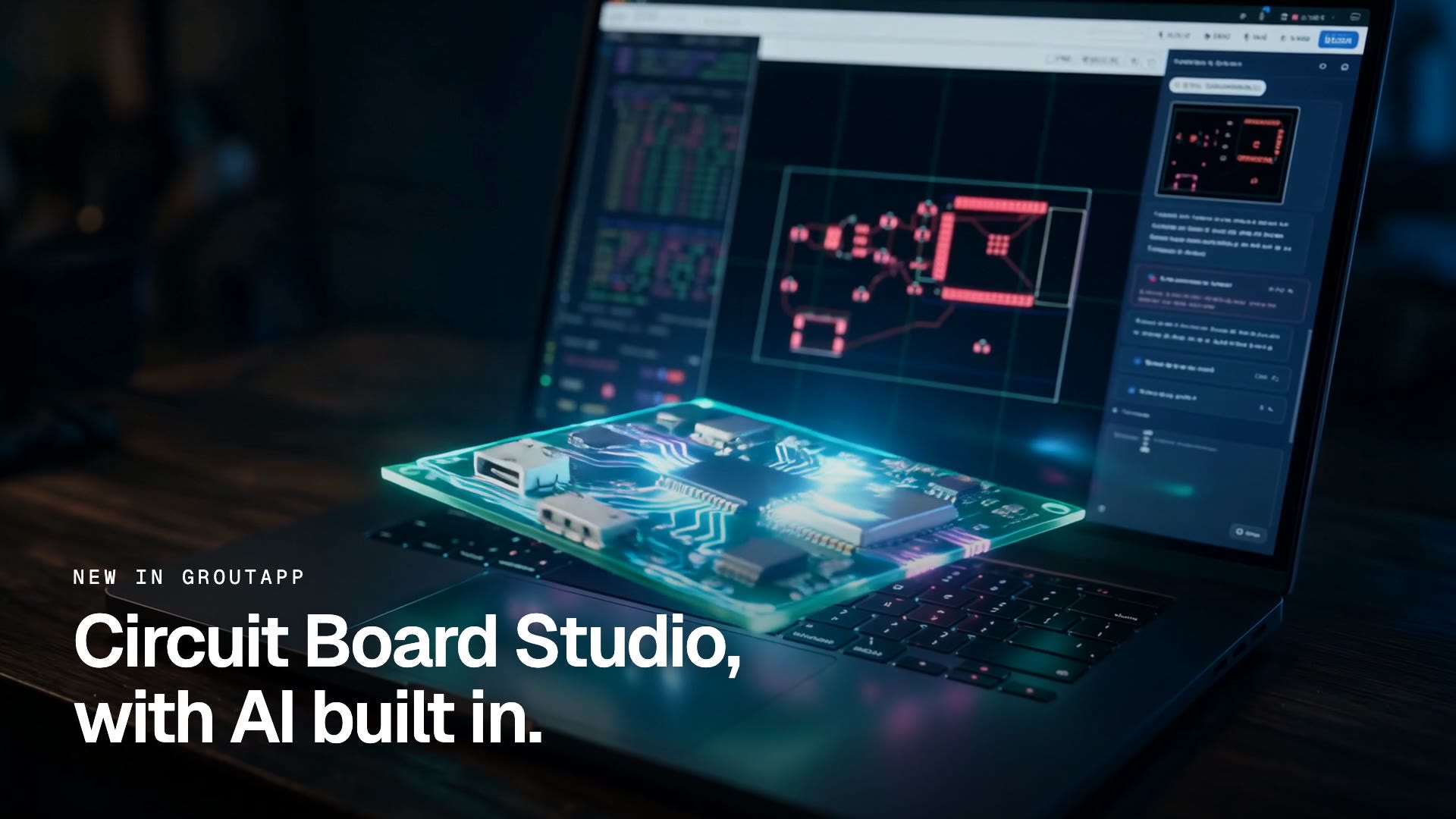
Circuit Board Studio, with AI built in.
Describe the board you want and the AI designs it with you. It finds real parts, writes the board as code, checks its own work, fixes what fails and routes every trace. PCB, schematic and 3D sit side by side, and every line stays yours to edit. Built for electronics and engineering students, from a first LED to a final-year project.
Updated
- becomes a board with real parts and routed traces
- 1 promptbecomes a board with real parts and routed traces
- PCB, schematic and 3D, side by side
- 3 viewsPCB, schematic and 3D, side by side
- the assistant tests its board and fixes what fails
- Self-checkthe assistant tests its board and fixes what fails
- on students' own laptops and lab PCs
- Win · Macon students' own laptops and lab PCs
One prompt. A routed ESP32 board.
The launch film, recorded in GroutApp: the model picker, the prompt, the parts search, the self-check and the finished board.
Describe it. Watch it route.
The prompt asks for a 60 × 40 mm board powered from USB-C with a 3.3 V regulator and the pull-ups an ESP32 needs to boot. The assistant finds the parts, writes the board, moves the module back inside the edge when the first build fails, and finishes with 13 parts and 30 connections routed.
What Circuit Board Studio does
The parts of the workspace students use on their first board.
Describe the board in plain English
Tell the circuit board assistant the size, the power source, the chips and anything special the circuit needs. No netlist syntax to learn before you start.
Real parts, found for you
The assistant searches a parts library and adds real components with real footprints, such as an ESP32-WROOM module, a USB-C socket and an AMS1117 regulator.
The board is code
Every board is a readable file: parts, values, positions and traces between named pins. Edit a line yourself and the assistant reads what you changed.
It checks its own work
After each build the assistant checks parts and nets. When the first layout failed because the module stuck out past the edge, it moved it inside and rebuilt.
Every trace routed
The finished board in the film has 13 parts and all 30 connections routed, with ground, 5 V and 3.3 V reaching every pin that needs them.
PCB, schematic and 3D
Switch between the copper layout, the schematic and a 3D board you can spin. The 3D view has an Edit in 3D CAD button.
Your AI, your choice
Pick Grout Cloud, bring your own key from OpenAI, Google or Anthropic, or run a local model on this computer with Ollama or the built-in runtime.
Start from a starter board
Begin blank or from a starter: LED and resistor, voltage divider, RC filter or chip on a board. Open an existing .grtboard file to keep going.
Inside the workspace
Real screens from the shipping module, not mockups.

A routed board, written as code
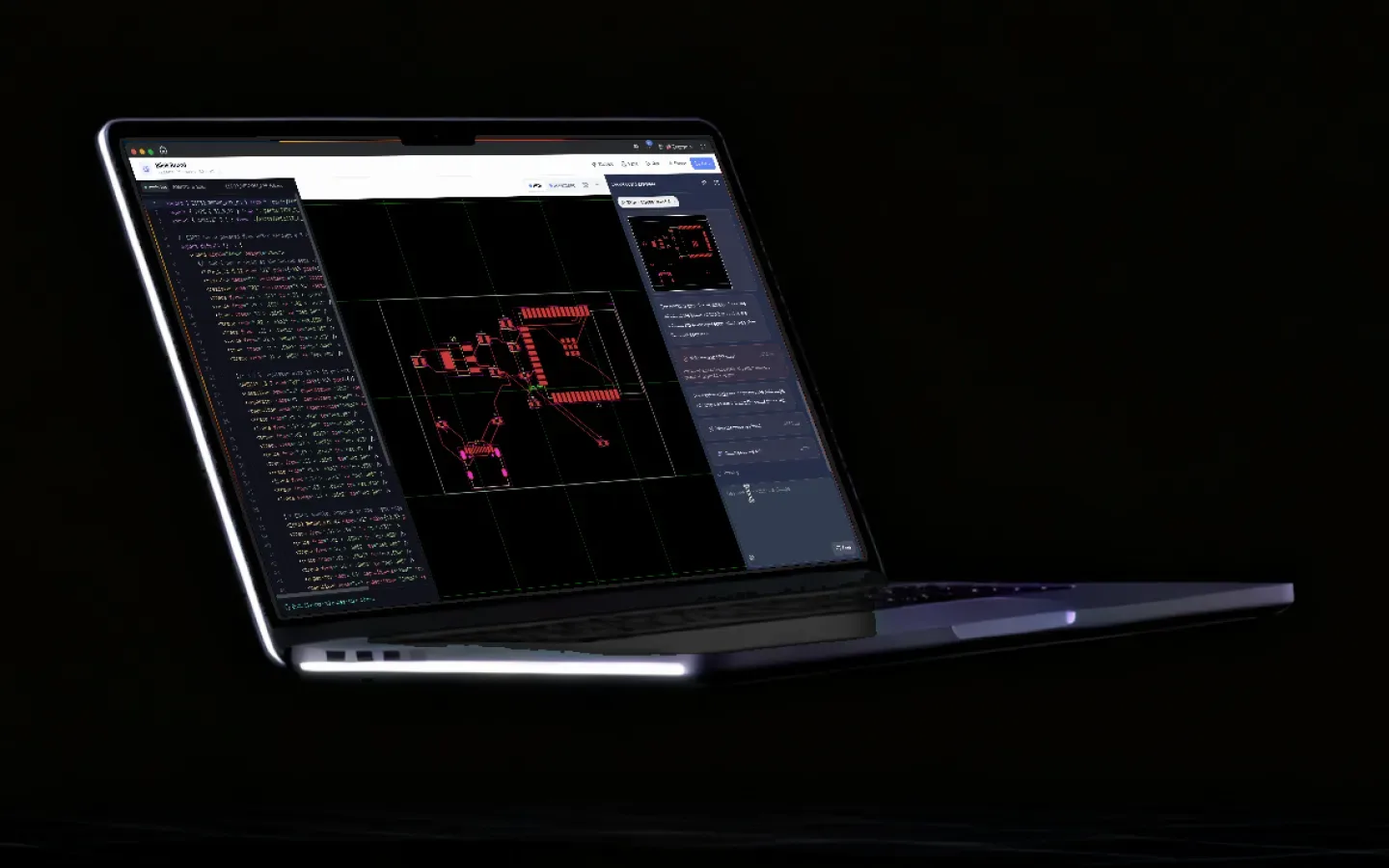
Code on the left, the PCB in the middle, the assistant on the right. The status bar reads 13 parts, 30 traces, 60 × 40 mm.

Start a circuit board
Create new project, Engineering, Circuit board. Start blank or from one of four starter boards.

Choose where the AI runs
The same model picker as the rest of GroutApp: Grout Cloud, your own provider key, or Ollama and built-in models on this computer.

The prompt
One sentence: the size, USB-C power, a 3.3 V regulator and the ESP32 boot pull-ups.

Parts found, board written
Each step lands in the assistant: read the code, find parts, add parts, write the board, with timings.

The schematic
The same board as a schematic: the USB-C socket, the regulator with its capacitors, and the ESP32 module with its pull-ups.

A 3D board, and what to check before ordering
Spin the finished board in 3D. The assistant lists what it checked and what to confirm before you order.
From idea to board in four steps
What the launch film shows, in order.
- 1
Create a circuit board
On the GroutApp home screen choose Create new project, Engineering, then Circuit board. Start blank or from a starter board.
- 2
Pick your AI
Open the model picker and choose Grout Cloud, your own API key, or a local model on this computer.
- 3
Describe the board
Write the size, the power, the main chips and what the circuit needs. Send it.
- 4
Check, then refine
Watch the parts land, the self-check run and the traces route. Edit the code, ask for a change, or export.
Where the AI runs
Three options, same workspace. A Grout account is required for all of them.
| Option | What you need | Internet |
|---|---|---|
| Grout Cloud | Nothing extra: hundreds of models, paid with Merits | Yes |
| Your own key | An OpenAI, Google, Anthropic or OpenRouter key, billed by your provider | Yes |
| On this computer | Ollama or the built-in runtime and a downloaded model | No, once the model is downloaded |
Grout Cloud
- What you need
- Nothing extra: hundreds of models, paid with Merits
- Internet
- Yes
Your own key
- What you need
- An OpenAI, Google, Anthropic or OpenRouter key, billed by your provider
- Internet
- Yes
On this computer
- What you need
- Ollama or the built-in runtime and a downloaded model
- Internet
- No, once the model is downloaded
Why put AI inside PCB design for students
Most students meet PCB design at the worst moment: the night before a project is due, with a breadboard that works and a board that has to exist. The tools are powerful, but the first evening goes on footprints, libraries and a ratsnest that will not route.
Circuit Board Studio starts from the circuit instead. A student says what the board must do, and the assistant picks real parts, wires them by name, builds the layout, checks it and fixes what fails, in front of them. Because the board is code, they can read exactly why a pull-up sits on EN, and change it.
From a first LED to a final-year project
A school student can start from the LED and resistor starter and see the same circuit as a PCB, a schematic and a 3D board. An engineering student can describe an ESP32 sensor node, then do the real work of checking footprints, antenna clearance and current limits. The AI runs where the lab needs it to: in Grout Cloud, on the student's own key, or on the lab PC with no connection.

Frequently asked questions
What is Circuit Board Studio?
Circuit Board Studio is the PCB design workspace inside GroutApp. A circuit board assistant turns a plain-language description into a board with real parts and routed traces, shown as PCB, schematic and 3D, and written as code you can edit.
Does the AI design the whole board from one prompt?
It designs a complete first board from the requirements you give it. In the launch film one prompt produced an ESP32 board powered from USB-C through a 3.3 V regulator, with 13 parts and all 30 connections routed. Treat it as a first design and check it before you order.
Does it use real parts?
Yes. The assistant searches a parts library and adds real components with their footprints. In the film it added an ESP32-WROOM-32E module, a USB-C socket and an AMS1117-3.3 regulator. It also flags when an online footprint check could not load, so you can confirm the shapes match the parts you buy.
Which AI models can I use?
Any model GroutApp offers: Grout Cloud models paid with Merits, your own key from OpenAI, Google, Anthropic or OpenRouter, or a local model on this computer through Ollama or the built-in runtime. The launch film used Claude Opus 5.5 through the owner's own key.
Does Circuit Board Studio work offline?
The workspace and the board code run on your computer. The assistant works offline with a local model; Grout Cloud and your-own-key models need an internet connection. A Grout account and one sign-in are required.
Who is it for?
Electronics and engineering students, makers and the teachers who run their labs, from a first LED and resistor to a final-year project.
Which plans include Circuit Board Studio?
Circuit Board Studio is a premium module in GroutApp. See the pricing page for the current individual and institution plans. GroutApp runs on Windows and macOS; there is no Linux build.
Describe it. Design it. Build it.
Download GroutApp for Windows or Mac and start a circuit board project. Your first board is one prompt away.
Download GroutApp