
Guides
How to write a computer science record note for Class 12
Learn how to write a computer science record note for Class 12: layout, left and right page rules, algorithm format, and a worked Python example.
Anish Menon · CEO & Founder, Grout
· 6 min read
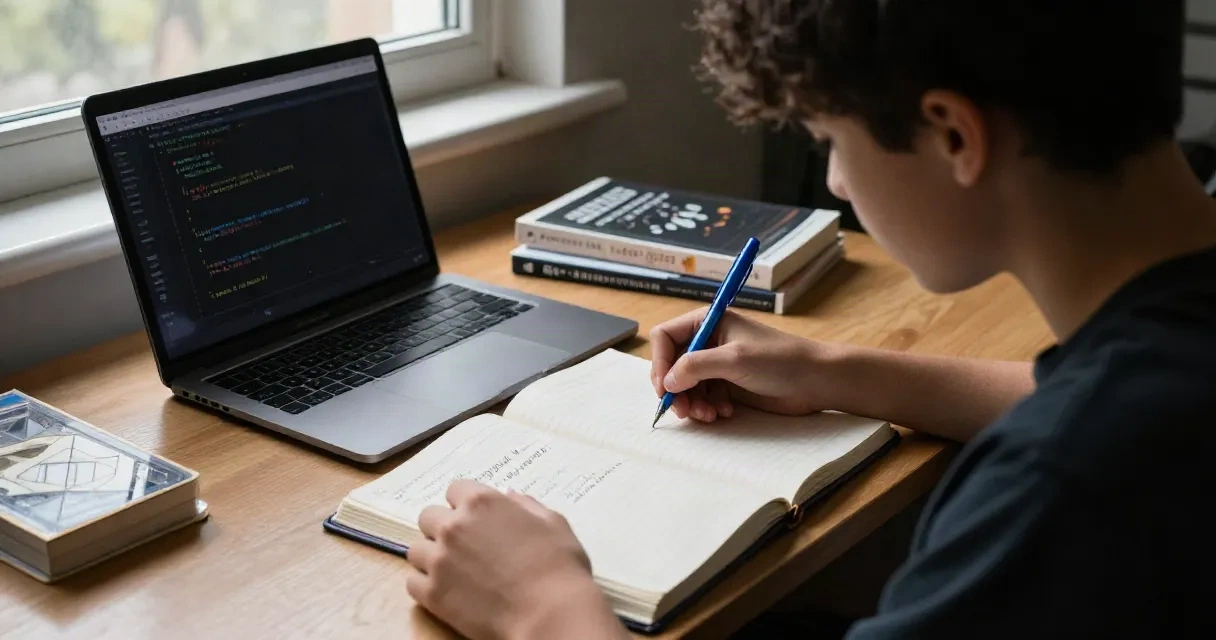
A computer science record note is the lab notebook where you hand-write each practical experiment, program and output before your Class 12 practical exam. Every school checks it during the practical, and examiners expect a clean, indexed notebook with every prescribed program written out in ink, complete with aim, algorithm, code, output and result.
The record serves two purposes: it proves you completed the year's practicals, and it gives the examiner a reference during your viva. Most schools follow a standard layout, though teachers set their own preferences for page margins, pen colour and how much detail to include in algorithms. Check with your computer science teacher at the start of the year so you do not waste pages rewriting experiments halfway through.
Page layout and structure
Use an unruled or alternate-ruled notebook, usually A4 size. The first few pages hold the index: a table listing experiment number, date, title, page number and space for a teacher's signature after each practical. Number every page in the top corner.
For each experiment, the left page (or the unruled side if you use an alternate notebook) holds diagrams, rough notes or algorithm flowcharts. The right page (ruled) holds the written content: aim, algorithm, program, output and result. Some teachers prefer the program on the left and output on the right. Follow the pattern your teacher demonstrates in the first practical.
Leave a margin on the left and right of every page, typically one or two centimetres. Write the experiment number and date in the top margin. Underline section headings (Aim, Algorithm, Program, Output, Result) with a ruler, and leave one line of space between sections so the page does not look cramped.
What to write in each section
Aim: One sentence describing what the program does. Write "To read a text file and count the number of words" or "To implement a stack using a list in Python", not vague statements like "To learn file handling."
Algorithm: Numbered steps in plain language, not code. Each step should be a single action. If the program has a loop or condition, write "Repeat steps 3 to 5 for each line in the file" or "If the stack is empty, display an error message." Keep it brief: five to ten steps for most Class 12 programs.
Program: The full program code, written by hand in pen. Indent loops and function bodies exactly as you would type them, using two or four spaces per level. Write neatly: examiners can refuse to grade illegible code. Use a sharp pen and form each character clearly, especially distinguishing O (letter) from 0 (zero), 1 from l, and S from 5. If you make a small mistake, cross it out with a single line and write the correction above. Do not scribble or use correction fluid on the program itself.
Output: A sample run of the program, showing input prompts, user input and printed results. Copy the exact text from your screen, including spacing and line breaks. If the output is longer than half a page, show a representative sample and write "Output continues" or "Remaining records omitted for brevity."
Result: One sentence confirming the program ran successfully, such as "The program correctly counts words in the file and displays the result" or "The stack operations (push, pop, display) execute without error."
Worked example: reading and displaying a text file
Aim: To read the contents of a text file and display each line with its line number.
Algorithm:
- Start
- Accept the filename from the user
- Open the file in read mode
- Initialise a line counter to 1
- Read each line from the file
- Display the line counter followed by the line content
- Increment the line counter
- Repeat steps 5 to 7 until the end of the file
- Close the file
- Stop
Program:
filename = input("Enter filename: ")
f = open(filename, "r")
lineno = 1
for line in f:
    print(lineno, line, end="")
    lineno += 1
f.close()
Output:
Enter filename: sample.txt
1 Python is a high-level language.
2 It is used in data science and web development.
3 Files store data permanently.
Result: The program reads the file and displays each line prefixed with its line number.
Left page versus right page
In most Indian schools the notebook has unruled left pages and ruled right pages. Write the algorithm and program on the ruled right page, where lines keep your code aligned. Use the unruled left page for flowcharts (if required), rough work, or diagrams explaining data structures like stacks or linked lists. If your teacher wants the output on a separate page, write it on the next left page so the program and output face each other when the notebook is open. Some schools ask for everything on the right page and leave the left blank for examiner comments. Confirm the convention in your first practical session.
How to write code neatly by hand
Writing code by hand is slower than typing, so plan before you write. Rough out the program on scrap paper or the left page first, run it on a computer to confirm it works, then copy the final version into the record in pen. Use a fine-tip pen (0.5 mm or 0.7 mm) rather than a thick marker, and press lightly so you can write for pages without hand strain.
Indent consistently. If Python is your language, indentation is part of the syntax, so misaligned code is incorrect. Use the ruled lines as a guide: start each indentation level at a fixed distance from the margin. For C++, add opening and closing braces on their own lines, aligned with the statement that opened the block.
Write function and variable names exactly as they appear in your tested code. If you name a variable stack_top in one place, do not write stacktop later. Consistency matters, especially in languages with case-sensitive identifiers.
Preparing the record with GroutCode
Before you copy a program into your record, run it through a compiler to catch syntax errors and confirm the output is correct. GroutCode includes Tamil Nadu State Board practical lessons for HSC classes, covering Python, C++ and SQL programs required in Class 11 and 12, as well as Kerala Plus One and Plus Two practicals and CBSE board practical exercises. Each program is compiler-checked, so you know the code is correct before you write it by hand. The app runs offline once your account is activated, so you can work on practicals without an internet connection during lab sessions.
Type the program, run it, note the output, then copy both into the record. This workflow reduces mistakes and gives you sample output to transcribe accurately. If your teacher assigns a variation of a textbook program, modify the GroutCode version, test it, then write the modified program in your notebook.
What examiners check during the practical
On the day of the practical exam, the examiner flips through your record to verify you completed every prescribed experiment. They check for your signature or your teacher's signature after each practical, confirming the program ran successfully during the year. The record must be up to date: missing experiments mean lost marks or disqualification.
During the viva, the examiner may ask you to explain an algorithm, trace a program step-by-step, or modify a program you wrote. They compare your verbal explanation with what is written in the record, so make sure you understand every program in the notebook, not just copied it. If your handwriting is illegible or the code has many cancellations, the examiner may ask you to rewrite it on the board, wasting time you need for the practical test.
Final checklist before submission
One week before the practical exam, review the entire record. Confirm every experiment has all five sections (aim, algorithm, program, output, result) and that the index page matches the contents. Number pages consecutively and initial any corrections. Bind the record if required, using the method your school specifies (spiral binding, stitching or a simple tag). Do not add loose sheets: if you must replace a page, paste the new page over the old one neatly.
Exact rules for margins, pen colour (blue or black), and whether to include flowcharts vary by school and teacher. Some schools ask for a separate observation book where the teacher signs off each practical on the day you complete it, in addition to the main record. Check your school's requirements at the start of the academic year, and keep the record current week by week rather than rushing to complete it the night before the exam.