

Grout vs Canva
Canva designs. Grout makes, on your own machine.
Canva is a very good design tool with a template library nothing offline can match, and it is free for schools. Grout is not trying to replace it. What Grout does is generate and edit media on the machine itself — including a real multi-track video timeline that exports locally.
Updated
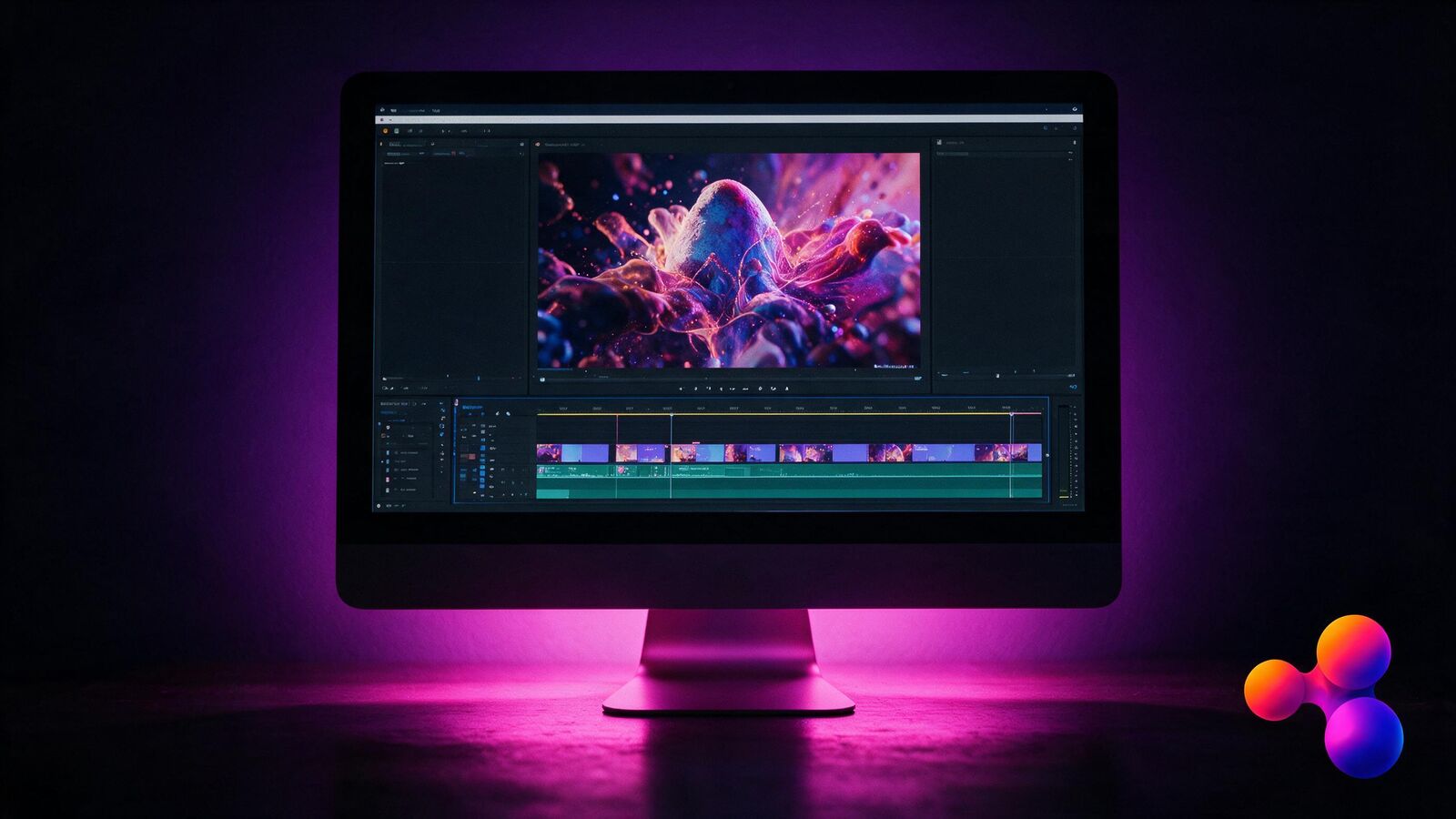
One is a design library. One is a local studio.
What Canva is built for
Getting a good-looking design out fast, from an enormous template library, in the browser.
- Template library nothing local can match
- Free tier, and free for eligible schools
- Real-time collaboration in the browser
- Everything lives in the cloud
- Needs an account and a connection
What Grout is built for
Making and editing media on the device, as part of coursework, with no upload step.
- Multi-track video timeline that exports locally
- Image generation from on-device models
- Canvas editor alongside the study tools
- Works with the network off
- Part of one Grout Suite licence
Line by line
Where the two genuinely differ — and where they do not compete at all.
| Grout | Canva | |
|---|---|---|
| Works with no internet | Yes. Editing and export run on the device | No. Browser-based, needs a connection |
| Template library | No. Not a template product | Yes. Vast, and genuinely its strongest feature |
| Multi-track video editing | Yes. Real timeline, local export | Partly. Simple browser video editing |
| Files leave the machine | Yes. Media stays on the device | No. Stored in the cloud |
| Real-time co-editing | Partly. Local-network sharing, not live cloud co-editing | Yes. Excellent at this |
| Cost for schools | Partly. Paid licence, covering three apps | Yes. Free tier and free for eligible schools |
| Part of a coursework suite | Yes. Same licence as the study and coding apps | No. A design tool on its own |
If your need is posters, slides and social graphics from templates, Canva is the better answer and this page is not trying to change your mind.
Where Grout adds something Canva does not
Four things that need the work to be on the machine.
Editing with the network off
A media lesson that does not stop when the connection does.
A real timeline
Multi-track video and audio, rendered on your own hardware.
Footage that stays put
Student media is not uploaded to a third-party account.
One licence, three apps
The video editor comes with the study suite and the coding studio.
Use Canva instead when…
This is the comparison where the other tool wins most often, and pretending otherwise would waste your time.
- You need posters, slides, worksheets or social graphics from templates. Canva is better at this and it is not close.
- Your school qualifies for Canva for Education, which is free.
- You want several people editing the same design at once in a browser.
- Your users are on Chromebooks or tablets. Grout is Windows and macOS desktop software.
What creative departments ask
Where Canva wins, and where it stops.
- Is Grout a Canva alternative for schools?
- Only for part of what Canva does. If the need is posters, slides and social graphics from templates, Canva is the better answer. Grout covers generation and editing that Canva does not — a local video editor in GroutFilm, an AI canvas, and image work that runs without an internet connection.
- Does Grout have a template library like Canva?
- No. Canva’s template library is enormous and Grout does not try to match it. Grout starts from a prompt and a local model rather than from a template, which suits original work more than it suits producing the school newsletter to a house style.
- Can students edit video in Grout?
- Yes — GroutFilm is a desktop video editor included in the same licence as GroutApp and GroutCode, and it runs on the local machine rather than in a browser tab.
- Does Grout work when the school network is filtered?
- Yes. Grout is a desktop application for Windows and macOS and its 200+ local models run on the device with the network off. Canva is a web platform, so a blocked domain or a saturated connection stops the lesson.
- How does the licence compare to Canva for Education?
- Canva for Education is free for verified schools, which is difficult to beat on price. Grout is a paid yearly licence per user covering three desktop applications. If Canva for Education covers your need, it is the cheaper answer.
See the part Canva cannot do
Install Grout, disconnect, and cut a video end to end on your own machine.